The Planim Time blog
Notes on time, tracking, and the tools we use to ship.
Honest writing on Jira time tracking, native desktop apps, offline-first design, and how engineers actually log their hours. Updated whenever we have something worth saying.
-
Latest
How to log meeting time in Jira straight from your calendar
How to log meeting time in Jira by hand, and how Planim Time turns Google, Outlook and Apple Calendar meetings into worklogs you confirm with a click.
-
Jira timer: how to start a timer on a Jira issue
Jira has no built-in timer, only a Log work field. Here are four ways to get a clock on an issue, from a scratch-file note to a desktop app that writes the worklog.
-
Jira time tracker for Mac: what actually lives in the menu bar
Tempo and Clockwork run inside Jira's browser tab, not in your Mac's menu bar. What a native menu bar Jira timer changes, and how the Mac options compare.
-
Jira time tracker for Linux: a native client on a platform vendors skip
Planim Time ships a native Linux Jira time tracker, AppImage or deb, with two-way worklogs straight to Jira, on the platform other vendors skip or quietly deprecate.
-
Jira time tracker for Windows: what a native tray timer changes
Tempo and Clockwork live in a browser tab, and generic trackers keep hours in their cloud. What a native Windows Jira timer with direct worklogs looks like.
-
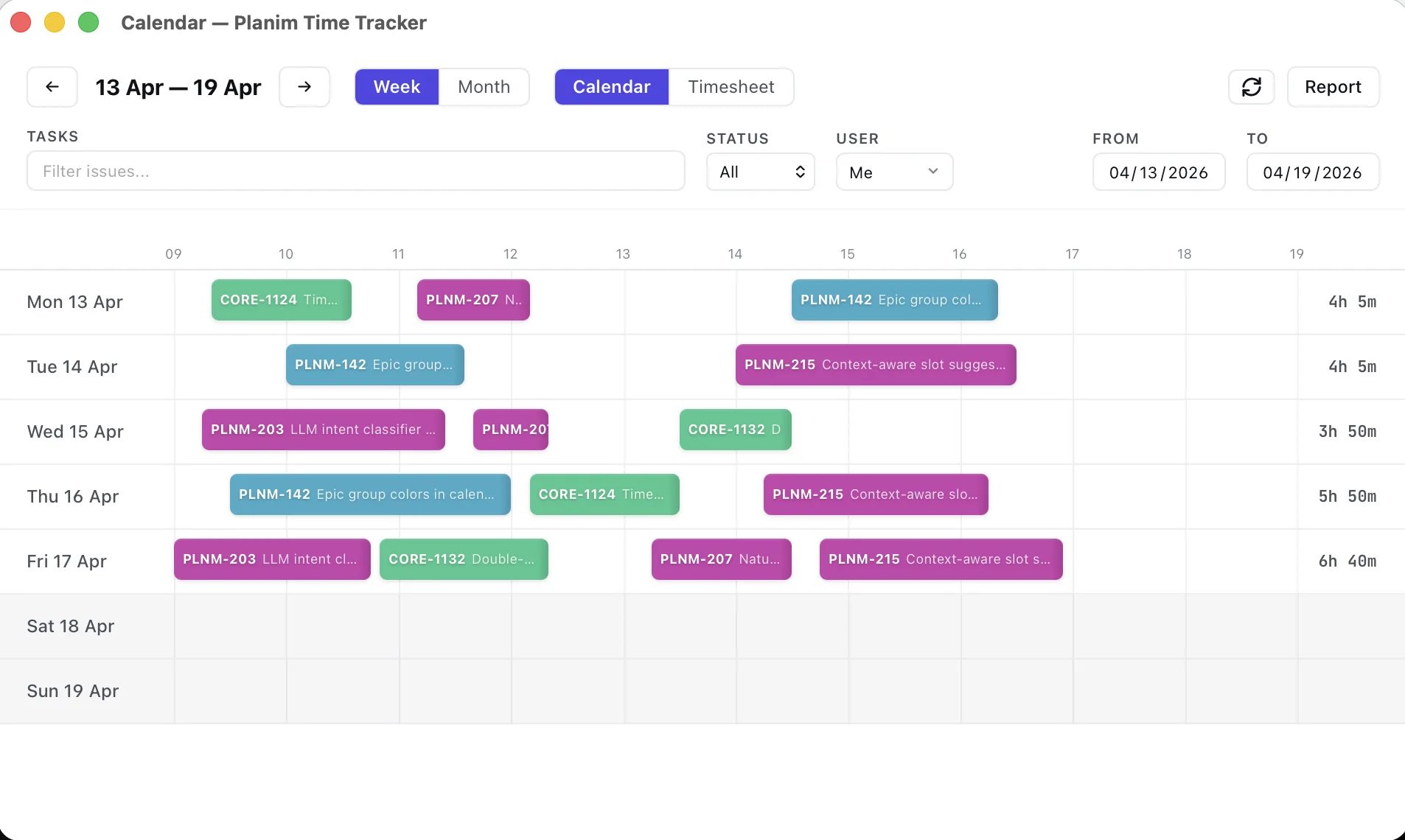
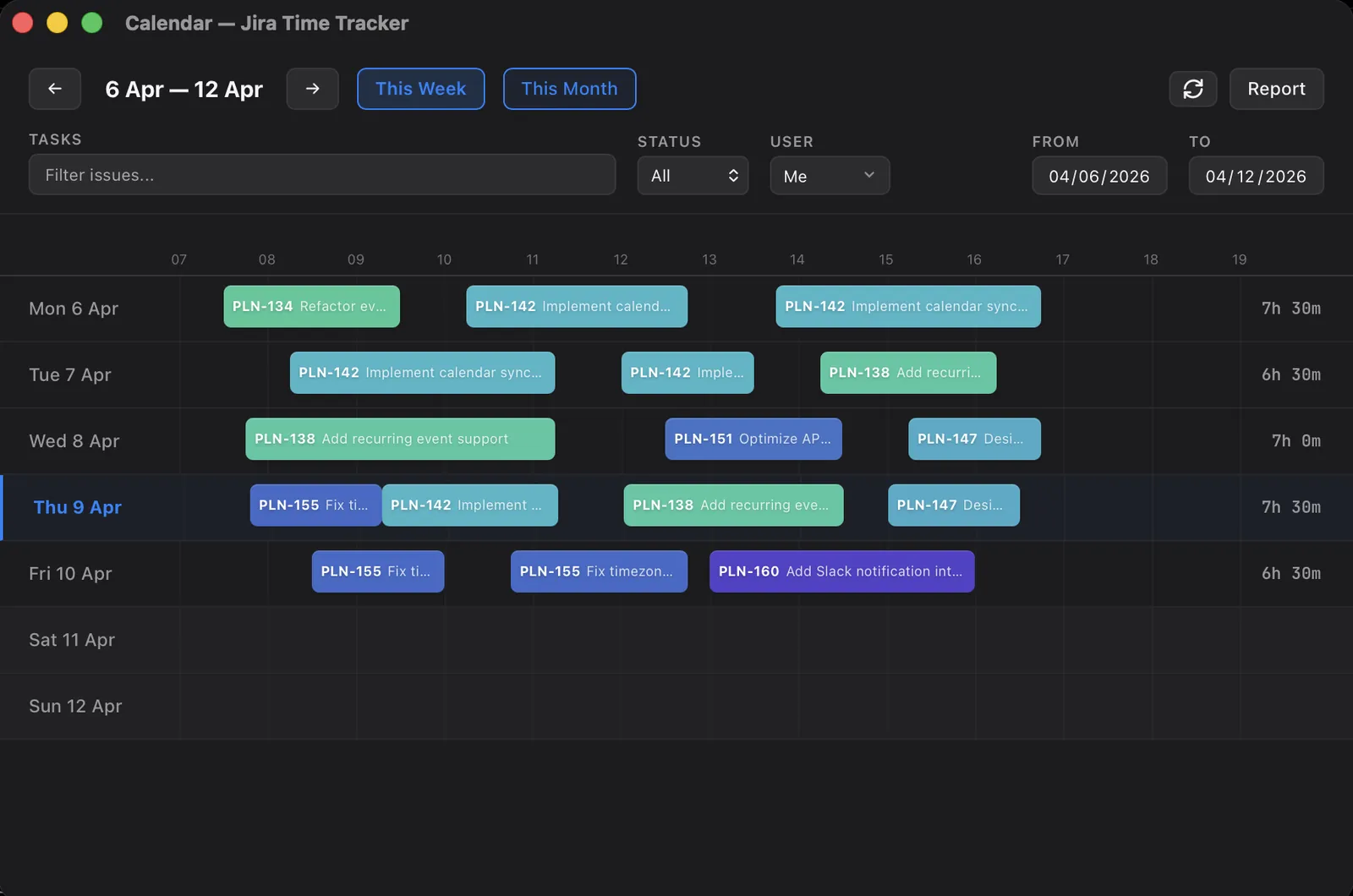
How to see all your Jira worklogs in one place
Jira has no screen that lists your worklogs across issues. Here are the native workarounds, their limits, and a calendar that shows your whole week.
-
How to move a Jira worklog to another issue
Jira has no move button for worklogs: the only path is delete and re-log. The by-hand steps, what to copy before deleting, and the one-click way.
-
Offline Jira time tracking: what still works when Jira is down
What a Jira time tracker can and cannot do offline: how a local-first desktop timer keeps measuring through outages, flights, and VPN drops, and what happens on reconnect.
-
Jira time tracking for developers and small engineering teams
A desktop Jira time tracker for an individual developer, and what changes when a small engineering team adopts it: same app, worklogs stay in Jira.
-
Jira timer vs calendar vs weekly timesheet: when the number gets written
Live timer, calendar reconstruction, or a weekly timesheet grid for Jira time tracking: what each model does to worklog accuracy, and how to choose.
-
Jira time tracking without admin rights: what actually works
Track time in Jira Cloud without a Marketplace install. Compare native worklogs, OAuth, and API-token tools, including the permissions each path needs.
-
Idle detection lands in our Jira time tracker: keep, subtract, or stop
Planim Time 0.4 adds idle detection to our native Jira time tracker: keep, subtract, or stop the gap when you step away. Plus one-click Atlassian sign-in.
-
Jira time tracking on mobile: a phone logs time, it doesn't time it
You can log work in the Jira mobile app, but it has no timer. Why a phone is for logging time after the fact, not for running a clock as you work.
-
Capacity planning in Jira with time tracking data
Jira measures load, not capacity. Why its workload reports total remaining estimate, and how logged hours become a number you can plan a sprint against.
-
How to edit or remove logged time in Jira
Open the issue, go to the Work log tab, find the entry: pencil edits it, trash removes it. That fixes one worklog. When a whole day is wrong, a calendar is faster.
-
What did I work on? Rebuilding Jira worklogs from your own activity
Jira already records what you touched: assignments, comments, status changes. Here is how to turn that activity trail back into honest worklogs.
-
Logging time across multiple Jira projects and instances
Tracking time across many Jira projects works natively; across separate instances it doesn't. The line is the authorization boundary, and where JQL stops.
-
Automated time tracking in Jira: what the tools automate
No tool tracks Jira time with nobody in the loop. Capture, start and stop triggers and API delivery are automated today. Which issue the hour goes on is not.
-
How to export Jira worklogs to CSV or Excel: totals vs worklog rows
Jira's CSV export rolls worklogs up to one Time Spent number per issue, and its Log Work columns carry wrong dates. Three ways to get real worklog rows.
-
Time tracking without micromanagement: a guide for Jira team leads
Time tracking becomes micromanagement when the data answers 'is this person working enough'. Four dials a lead controls, and a rollout that keeps trust.
-
Clockify vs Tempo for Jira: two-way sync vs finance depth
Clockify and Tempo both integrate inside Jira. Compare the five-user free tier, two-way worklog sync, admin install, approvals, budgets, and system-of-record trade-offs.
-
Why your Jira time estimates are always wrong (and what to do)
Jira estimates are biased low, not randomly off. Why software estimates run short, why Jira hides the miss, and how logging real time calibrates them.
-
Jira worklog REST API guide: endpoints, bulk, 400 errors
Add, read, edit and delete worklogs through the Jira Cloud REST API, pull them in bulk with worklog/updated, and fix the two formats behind most 400 errors.
-
Billable hours in Jira: no native field, what teams do instead
Jira has no billable flag. Four patterns teams use (labels, custom fields, separate projects, add-ons) and the issue-vs-worklog tradeoff that decides.
-
Story points vs hours in Jira: can you use both?
Story Points and hours in Jira measure different things. When to use each, where Sprint Burndown clashes, and the pattern that works when teams try both.
-
Tempo vs Clockwork: which Jira time tracker for your team
Tempo and Clockwork compared head-to-head: prices, free tiers, approvals, leave tracking, and the team size where the math flips between them.
-
Jira time tracking reports: what's built in and where it stops
What Jira's built-in time tracking reports cover, and where they stop: no cross-project totals, no date ranges, no per-user timesheet.
-
How to log work in Jira: the worklog dialog, JQL, and the API
Logging work in Jira three ways: the worklog dialog field by field, JQL to check what you logged, and the REST API for scripted worklogs.
-
Tempo Timesheets alternatives in 2026, by use case
Honest shortlist of Tempo alternatives organised by what your team actually needs: simpler timers, lighter PSAs, in-Jira plugins, or monitoring tools.
-
Jira Original Estimate vs Remaining Estimate vs Time Spent
Jira tracks time in three fields: Original Estimate, Remaining Estimate and Time Spent. Logging work moves only two of them, so estimated and actual drift apart.
-
Forgot to log time in Jira? A clean way to backfill worklogs
Forgot to log time in Jira? How to backfill worklogs for past dates using your calendar, git history, and the REST API, with honest rounding rules.
-
Free Jira time trackers in 2026: which ones are actually free
Seven Jira tracking products plus Jira's built-in worklog, and several definitions of 'free'. See which free tiers include real Jira sync and which gate it behind paid.
-
Leaving Tempo: a working playbook for moving Jira worklogs
How to export historical worklogs from Tempo, pick a successor, backfill Jira, and the pieces of your workflow that don't survive the move.
-
Tracking Jira time without screenshots or activity scores
What screenshot-heavy Jira trackers capture, the morale, legal, and security costs of it, and the case for a timer that records hours and nothing else.
-
How to track time in Jira: every method, ranked by friction
Five ways to log time in Jira, ranked by setup effort: native worklogs, Marketplace plugins, browser extensions, desktop apps, and the worklog API.
-
Best Jira time trackers in 2026, ranked by use case
Tempo, Clockwork, Everhour, Clockify and Planim Time, each with the team it fits and the case where another one is the better buy. No overall winner.
-
Where Jira time trackers store credentials: API tokens and OAuth
A security review of how Tempo, Clockwork, Everhour, Clockify, and Planim Time handle Jira API tokens, OAuth credentials, Marketplace access, and revocation.
-
Two-way Jira worklog sync: how to verify it
What two-way Jira worklog sync means, how to test edits and conflicts, and how Planim Time reconciles Jira with its local offline store.
-
Why a desktop Jira time tracker, not a Marketplace plugin
Why we shipped Planim Time as a menu-bar binary, not a Jira Marketplace plugin, and how that affects outages, offline tracking, and security.