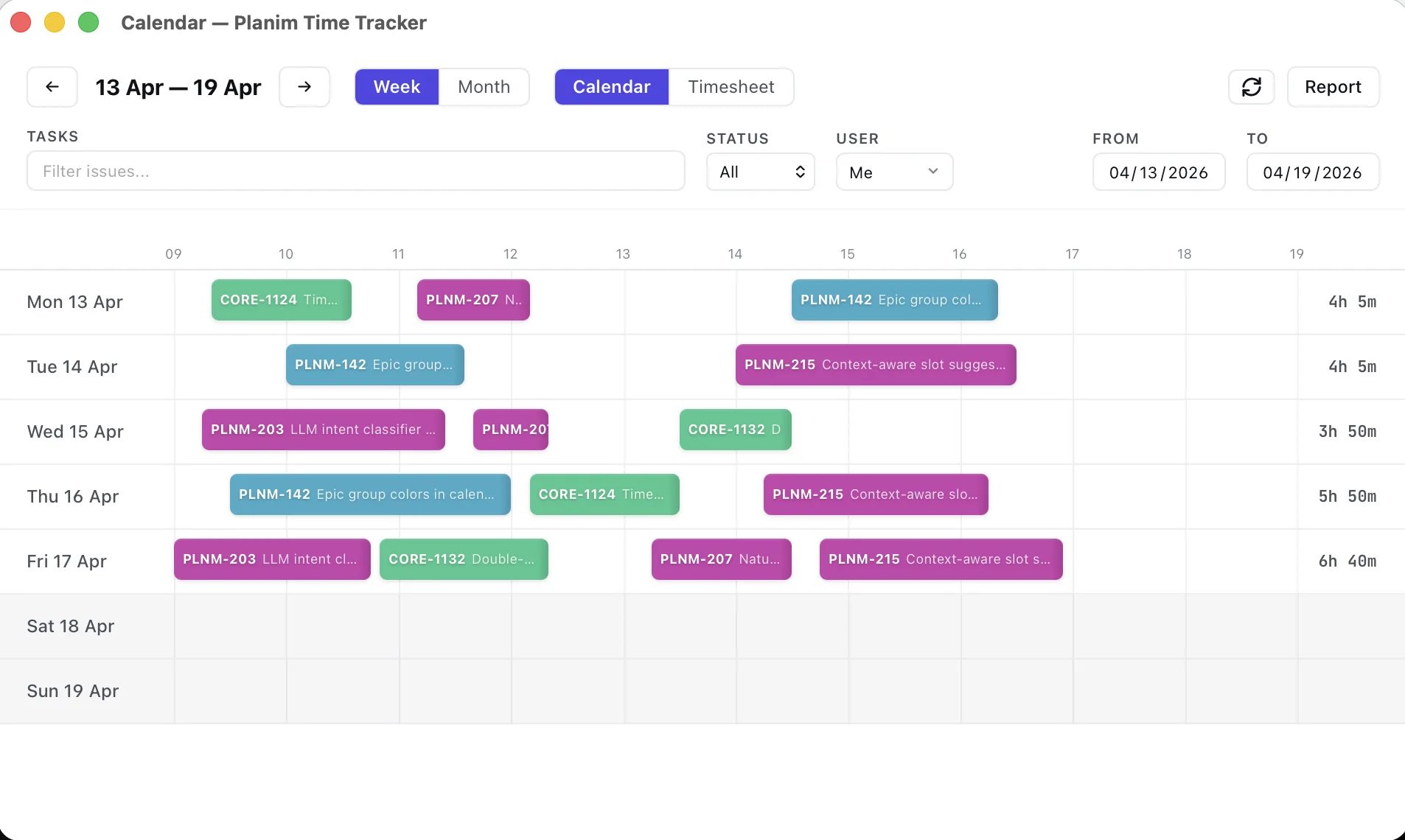
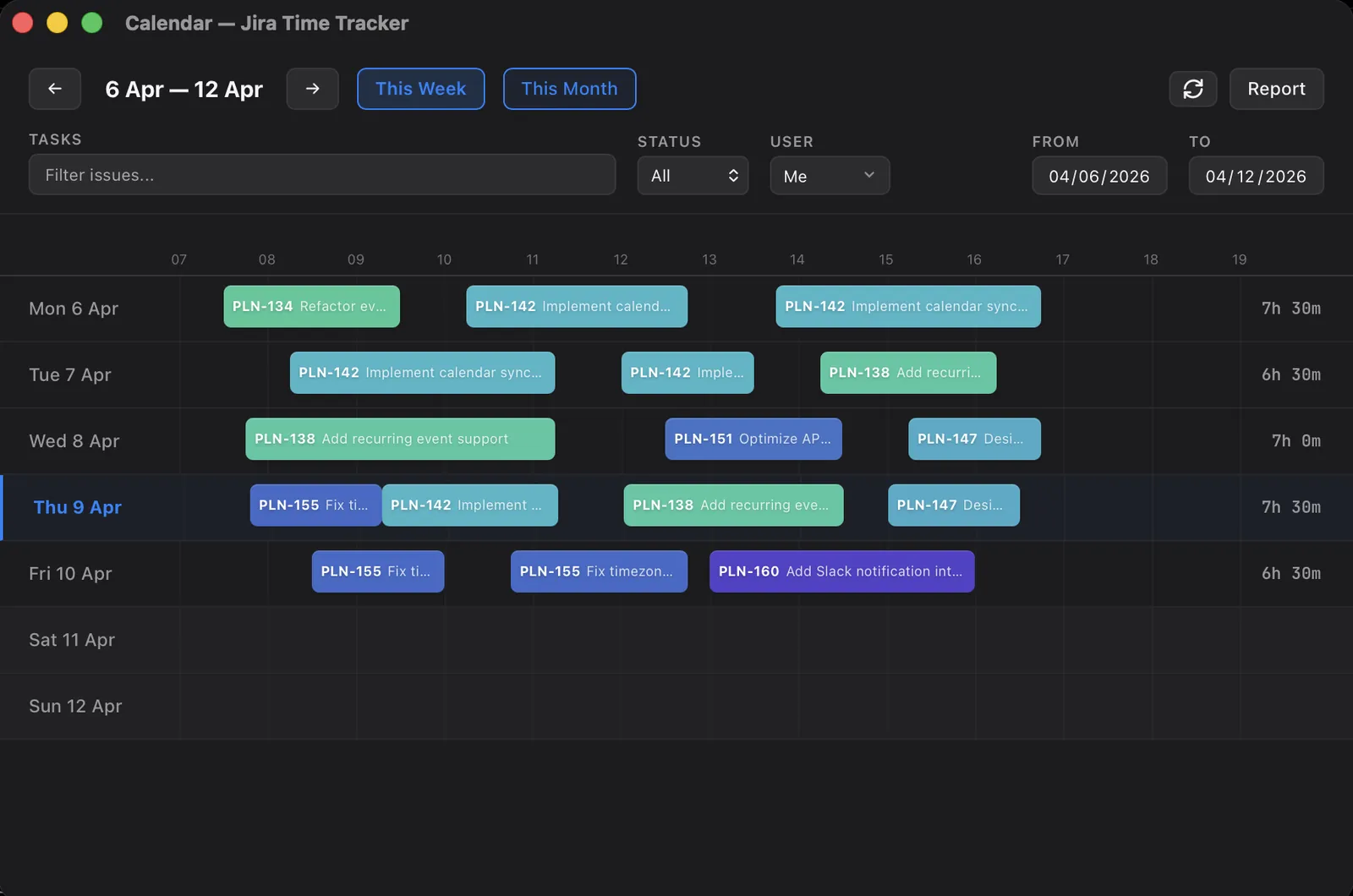
How to log work in Jira: the worklog dialog, JQL, and the API
Logging work in Jira three ways: the worklog dialog field by field, JQL to check what you logged, and the REST API for scripted worklogs.
On this page
Logging work in Jira sounds like one action: open an issue, type a number, save. In practice it touches three different surfaces, and which one you reach for depends on whether you’re logging your own afternoon, auditing a whole week, or running a script that logs hours with no human in the room.
I’ve spent more time than is healthy inside the worklog dialog and the worklog API, building Planim Time, a desktop tracker that turns the same entry into a running timer and a one-click Push. This post still walks all three native surfaces, no third-party tool required: the dialog where you enter a worklog, JQL where you check what you entered, and the REST API where you automate it.
The worklog dialog
The worklog dialog is what most people mean by “logging work”. Every Jira issue on every plan from Free up has it. There are two reliable ways in:
- Open the issue, click the … (three-dot) menu top-right, pick Log work (older versions label it Add work log).
- Click the Time tracking field in the issue’s details panel, which opens the same form.
The same form is in the Jira mobile app, the one native surface that logs work away from your desk. Jira time tracking on mobile covers what the phone does well and where it stops.
The form has four fields. Three of them are quietly easy to get wrong, and the fourth is easy to skip.
Time spent. A duration in Jira’s format: 45m, 1h 30m, 2d, 1w. The m/h/d/w suffixes combine freely. Jira reads 1d as 8 hours and 1w as 40, because it parses against a configured working day. If your team works a 9-hour day and nobody changed that setting in the project’s time tracking configuration, every 1d you log is an hour short.
Date started. When the work actually happened, not when you’re typing it in. This defaults to the current moment, and that default is the single biggest source of wrong worklogs. Fill in Tuesday on Thursday without changing the date and Tuesday’s hours land on Thursday. Every report downstream then quietly disagrees with reality.
Remaining estimate. A dropdown with four behaviours: adjust automatically, leave unchanged, reduce by a set amount, or set to a new value. The default subtracts what you just logged. The other three exist for when the original estimate turned out wrong, and picking the right one matters more than the small dropdown suggests. The full breakdown is in Original Estimate vs Time Spent.
Work description. Optional in Jira’s eyes. Not optional in practice. A worklog with no description is close to useless three weeks later when someone asks what the four hours were. One honest line is enough.
Click Save and the worklog exists. It rolls into the issue’s Time Spent right away and becomes visible everywhere reports look: the Worklog tab, dashboard time-tracking gadgets, JQL, and the REST API.
Once or twice a day, the four fields are fine; twenty times a day, they are why logging gets skipped. In Planim Time the same entry is the timer you already ran: pick the task, Start, Stop, and one Push writes the worklog with the measured start time and duration, so the Date started default has nothing to get wrong.
Editing and deleting a worklog
Log to the wrong issue, or type 8h where you meant 8m, and the fix is in the same place; the full walkthrough, including moving time between issues, is in how to change logged hours in Jira. Open the issue, find the entry under the Worklog tab, and each entry carries its own edit and delete controls. Two things constrain this:
- Permissions. Editing your own worklogs needs the Edit own worklogs project permission; editing someone else’s needs Edit all worklogs. Delete has the same split. On a locked-down project you can sometimes add a worklog but not correct it, in which case a project admin has to. The no-admin guide separates these project permissions from OAuth approval and API-token policy.
- Estimate side effects. Editing or deleting a worklog asks you again how to treat the remaining estimate, the same four options as the original dialog. Deleting a 3h worklog can hand 3h back to Remaining, which is usually what you want and occasionally a surprise.
Finding your worklogs with JQL
Logging work is half the job. The other half is confirming you logged it, and that is what JQL is for. Three JQL fields touch worklogs:
worklogAuthoris who logged it.worklogDateis when the work happened, meaning the Date started value, not the create date.worklogCommentsearches the description text.
What did I log this week:
worklogAuthor = currentUser() AND worklogDate >= startOfWeek()
What did I log against one project last month (leave out the project clause and the same query spans every project you log time in):
worklogAuthor = currentUser() AND worklogDate >= startOfMonth(-1)
  AND worklogDate < startOfMonth() AND project = ACME
The more useful query is the inverse: issues you probably should have logged time against and didn’t. Jira has no native “has no worklog” field, but you can get close. Ask for issues assigned to you, updated recently, with no worklog from you in the same window:
assignee = currentUser() AND updated >= -7d
  AND NOT (worklogAuthor = currentUser() AND worklogDate >= -7d)
That list is your Friday backfill shortlist. It is the manual version of the catch-up view a good tracker builds for you automatically.
One limitation to be honest about: JQL filters issues, not worklogs. Every query above returns the issues that have a matching worklog, not the worklog entries themselves, and there is no way to sum hours in JQL. People expecting JQL to answer “how many hours did I log last week” hit that wall constantly. JQL finds the issues. Something else does the arithmetic.
In practice that something else is a view of the worklog records themselves, laid out so the gaps are visible; seeing all your Jira worklogs in one place covers how that looks on a calendar.
Logging work through the REST API
When no human is pressing Save (a CI job, a commit hook, a nightly billing export), you log work straight against the REST API. The endpoint:
POST /rest/api/3/issue/{issueIdOrKey}/worklog
It takes timeSpentSeconds, a started timestamp, and an Atlassian Document Format comment body. The full Jira Cloud request shape, including the verbose ADF comment, is in the Jira Worklog REST API guide. Two things specific to logging cleanly:
adjustEstimateis a query parameter, not a body field.?adjustEstimate=auto|new|leave|manualis the API’s version of that remaining-estimate dropdown. Omit it and you getauto. If your team treats Remaining as a number that should reflect reality, set it deliberately on every call.- Read, edit, and delete share the path.
GET .../workloglists entries,PUT .../worklog/{id}edits one,DELETE .../worklog/{id}removes one.PUTandDELETEaccept the sameadjustEstimateparameter, so a scripted correction can move the estimate the way a careful UI edit would.
Which surface for which job
Day to day, logging your own hours, you want the dialog, and the only discipline it needs is setting the date and writing a description. JQL is the surface for the weekly check, as long as you remember it counts issues rather than hours. The API is for the work with no human in it at all, where adjustEstimate is worth setting deliberately instead of inheriting the default.
If you find yourself opening the dialog twenty times a day, that is the signal you have outgrown manual logging. A timer that logs for you is a different tool, and a different post. Jira timer walks the four ways to get one onto an issue, and the method round-up lays out where Planim Time and its alternatives fit.