Capacity planning in Jira with time tracking data
Jira measures load, not capacity. Why its workload reports total remaining estimate, and how logged hours become a number you can plan a sprint against.
On this page
Jira does not have a capacity planning feature. What it has is a set of forward-looking workload reports, and they answer a different question than the one capacity planning asks. The User Workload and Version Workload reports total remaining estimate: how much work is assigned and left to burn. That is load. Capacity is the other thing, how much work the team can realistically absorb next sprint, and Jira does not measure it. You get capacity by looking backward, at how many hours of real work your team actually logged over past sprints, and planning the next one against that measured number instead of against a theoretical eight hours times headcount.
This post is about turning logged time into a capacity number you can plan with. It assumes you already log time in Jira. If your worklogs are thin or backfilled from memory, fix that first, because capacity planning runs on actuals, and bad actuals produce confident nonsense.
We build Planim Time, a desktop time tracker that pushes worklogs to Jira, so we spend a lot of time on the actuals side of this. The pattern below is the one that separates teams whose sprint commitments hold from teams that carry work over every sprint and never quite know why.
Load is not capacity
Jira’s workload reports are built around remaining estimate. The User Workload Report sums the remaining estimate of unresolved issues assigned to one person, and it can do this across every project they have open issues in. The Version Workload Report breaks the outstanding work in a version down by assignee. Both are useful, and both look forward. They tell you what is already on someone’s plate, not how big the plate is.
That is the gap. Load is “JIRA-1042 has six hours of estimate left and it is assigned to Dana.” Capacity is “Dana gets through about 28 hours of real work in a two-week sprint.” The first lives in Jira. The second does not, because it is a fact about the past that Jira records and never totals. As the time tracking reports post covers, Jira has no built-in view of hours logged per person over a date range, and no cross-project total of logged time. Those are exactly the numbers capacity is made of, so capacity gets assembled outside the reports Jira ships.
Capacity is measured, not assumed
The usual way to set capacity is to assume it: eight hours a day, times the number of people, times the working days in the sprint. A team of five over a ten-day sprint “has” 400 hours. Plan to fill it, and you will carry work over every sprint.
The number is fiction for the same reason a calendar day is not a working day, which we went into in why your Jira estimates are always wrong. A paid eight-hour day is not eight hours of issue work. Subtract standup, planning, the two meetings, the review you owe someone, the Slack thread that ate an afternoon, the context reload after each switch, and the support ticket that jumped the queue. What lands in worklogs against actual issues is a share of the paid day, and that share is more stable than you would expect.
In our own logs, it sits around half a paid day once you strip the meetings and the interrupts, and it varies more between teams than it does from sprint to sprint within one team. We do not publish it as a constant to copy, because the whole point is that yours is measurable and probably different. A team with heavy on-call lands lower. A team that guards focus time lands higher. The mistake is not getting the number wrong, it is never measuring it and planning against eight hours as if meetings were somebody else’s problem.
This share has a name in planning circles, the focus factor: the fraction of paid time that becomes real work on planned tasks. Capacity planning that works is mostly just measuring your focus factor honestly and refusing to plan above it.
Getting the number from your tracking data
The measurement is simple arithmetic on data you already have. Pick a window of finished sprints, the last three to six, and skip the obvious outliers like the holiday sprint or the incident week. For each person, total the hours they logged against issues in each of those sprints, then average across the window. That average is their measured capacity per sprint. Do it per person, not per team, because capacity does not transfer: losing your strongest reviewer for a sprint removes their specific hours, not an interchangeable slice of a team total.
The catch is the totalling. Jira will not sum logged hours per person over a date range for you, as the reports post explains, so you either export the worklogs and add them up in a spreadsheet (the worklog CSV guide walks the export and its traps) or you read it off a tracker that keeps the per-person, per-period total as a standing view. Either way the number lives outside Jira’s native reports.
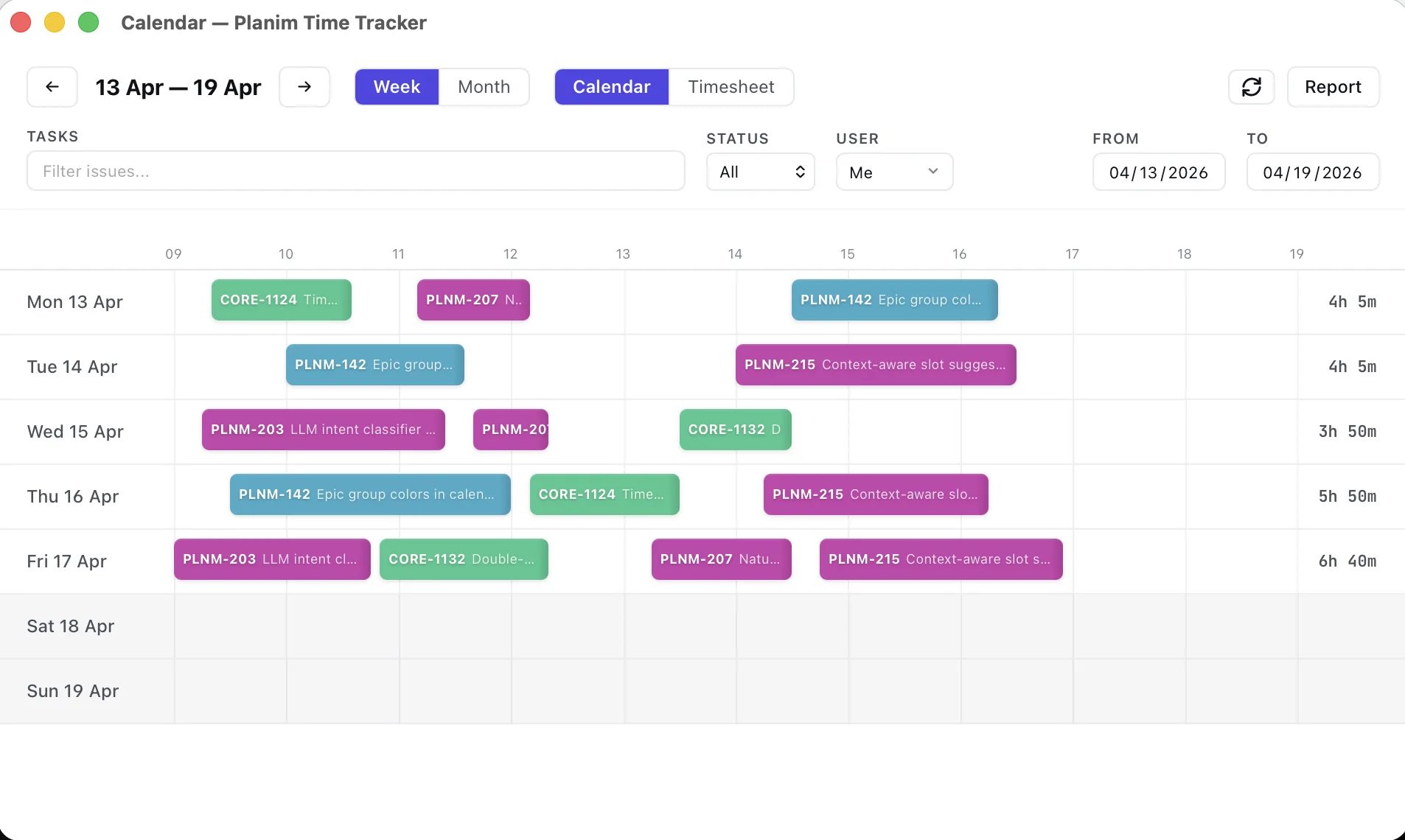
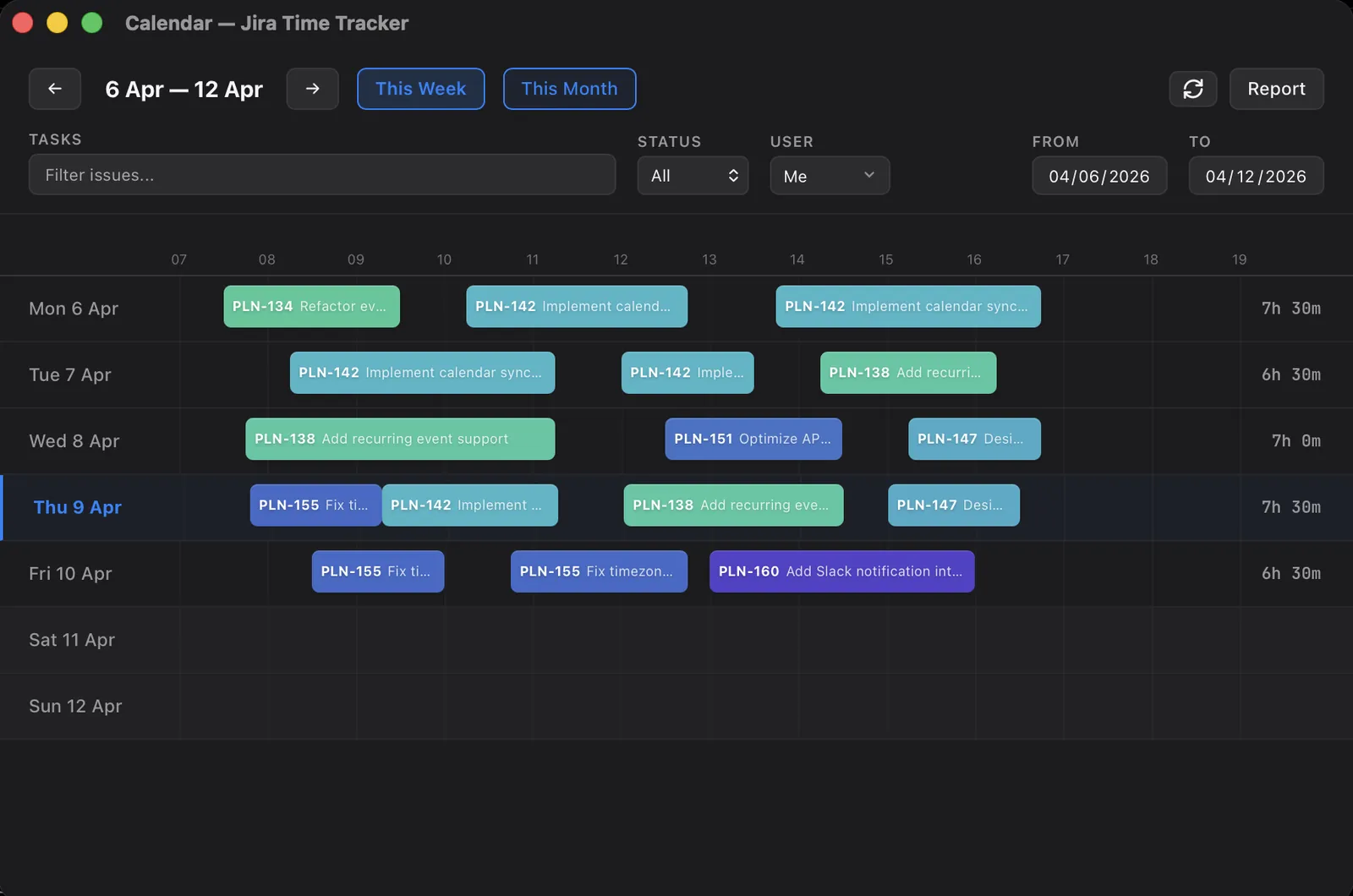
This is the one place our own tool maps cleanly onto the task. Planim Time’s Team Statistics view groups logged hours by person over a date range, which is the measured-capacity number without the spreadsheet step. We built it for invoicing and estimate calibration first, and capacity planning turned out to read off the same screen, because all three questions want the same thing: real hours, per person, over a period.
Planning the next sprint against it
Once you have a measured capacity per person, planning is subtraction before it is addition.
Start from the measured number, not the calendar, and take the known commitments out of it. Say Dana’s measured capacity is 28 hours a sprint. She has a day off and her turn on the on-call rotation, which between them have historically cost about eight hours. Her budget for new sprint work is 20, not 28, and certainly not the 80 a ten-day calendar implies. Do that subtraction for everyone, and the team budget is the sum of what is left, not the headcount times the calendar.
Then fill the budget with estimates, and the estimates have to be calibrated ones, corrected by your measured bias, or you are planning a real budget with fictional costs. The estimate calibration loop and capacity planning are the same measurement used at two ends: one corrects the cost of each ticket, the other sets the size of the box you fit them in.
Then stop short. Do not plan to the measured ceiling, because that ceiling already bakes in the average interrupt load, and an average sprint is not every sprint. Leave headroom, ten to twenty percent, for the support ticket and the production issue that history guarantees will arrive without telling you which sprint. So Dana’s 20 becomes a commitment of around 17, with room for the thing nobody can schedule. A sprint planned to 100% of measured capacity is a sprint planned to overflow the first time anything goes sideways, which is every time.
The traps
A few ways this goes wrong, most of them a version of trusting a number you did not measure.
- Planning to the theoretical max. Eight hours times headcount. It is the default, and it is wrong by roughly your focus factor every single sprint.
- Reading remaining estimate as capacity. The User Workload total is what is assigned, not what fits. Someone can be under-loaded on paper and at capacity in practice because half their week goes to work that never gets an issue.
- Ignoring the interrupt load. Support, reviews, mentoring, the unplanned production fire. It is real work and it eats real hours, and if it never gets logged it looks like free capacity that is already spent.
- Treating capacity as transferable. Team totals hide that the work needs specific people. Five people at 28 hours each is not 140 fungible hours when only one of them can touch the payments service.
- Turning capacity into a quota. This is the dangerous one. The measured number is a planning input, not a performance target. The moment “Dana’s capacity is 28 hours” becomes “Dana should log 28 hours,” people log 28 hours whatever actually happened, and the data you plan with turns into theatre. We wrote the whole of time tracking without micromanagement about that drift. Capacity planning is one of the legitimate uses of worklog data in that post, and it stays legitimate only as long as the number feeds the plan and never the review.
The short version
Jira measures load, not capacity. Its workload reports total remaining estimate, the work already assigned, and say nothing about how much the team can take on. Capacity is a fact about your past: the hours of real work your people actually log per sprint, which is well under the eight-hour day once meetings and interrupts come out. Measure it per person over a handful of recent sprints, subtract known commitments, fill the rest with calibrated estimates, and leave headroom for the interrupts you cannot schedule. The first useful thing most teams can say about their capacity is how much smaller it is than the calendar claims, and that number, once measured, plans better than any amount of optimism about next sprint being different.