Clockify vs Tempo for Jira: two-way sync vs finance depth
Clockify and Tempo both integrate inside Jira. Compare the five-user free tier, two-way worklog sync, admin install, approvals, budgets, and system-of-record trade-offs.
On this page
Short version. Pick Clockify if Jira is one of several places your team tracks time, you need mobile apps, or five users can cover the workflow for free. Pick Tempo if Jira time feeds a finance approver, budget, capacity plan, or client invoice. Both connect time to Jira issues and both keep a separate cloud dataset; the deciding questions are finance depth, sync representation, paid seat scope, and which system reporting treats as authoritative.
I’ve watched a lot of teams frame this as “free Clockify versus expensive Tempo” and pick on price, then spend a quarter discovering they bought a different kind of tool than they thought. This post is the comparison underneath the price tag, plus a third shape at the end, the desktop tracker Planim Time, for teams that want the worklog in Jira and no second system to govern.
Marketplace and SaaS prices in this category drift quietly. Re-verify any number before quoting it in a procurement doc.
They’re barely the same kind of tool
Clockify and Tempo overlap more than older comparisons suggest. Both have Atlassian Marketplace apps and both put a timer on Jira issues, but their Jira-side records differ. They still start from different centres of gravity.
Tempo Timesheets is an Atlassian Marketplace plugin installed by a Jira admin. On Cloud, the complete record lives in Tempo’s separate database; Jira receives basic anonymised worklog information under the Timesheets by Tempo author. Tempo’s reason to exist is the finance surface around that record: approvals and reporting in Timesheets, with separate Tempo products for capacity and financial management.
Clockify is a general-purpose time tracker with web, desktop, and mobile apps. It tracks time against Jira, GitHub, a CRM, a meeting, or work from a phone and stores those entries in its own cloud. Its current Jira Cloud app is installed from the Atlassian Marketplace and synchronises changes between Clockify entries and Jira worklogs. Jira is still one integration among many, not the foundation.
So “free versus paid” is only the first cut. Clockify’s free plan stops at five users and its Jira app needs an admin install. Tempo charges on the Marketplace model because the Jira finance workflow is the whole product. Choosing only on the first invoice skips the operating model behind it.
Where Clockify wins
Clockify’s free plan includes unlimited tracking for up to five users, with no time limit or card. Its Jira app is also free, although a Jira admin must install it. Tempo has a 30-day Marketplace trial rather than a permanent free tier.
Breadth is the other half of the pitch. Clockify tracks across GitHub, Trello, Asana, ClickUp, and many other tools through the same extension, has real iOS and Android apps, and rolls everything into report builders and (on paid tiers) client invoicing for work that never touched Jira. If your team’s time data is genuinely spread across tools, Clockify gives you one dashboard for all of it. Tempo can’t see anything that isn’t a Jira issue.
As checked on 22 July 2026, Clockify lists Basic at $3.99 per seat monthly on annual billing ($4.99 month-to-month), Standard at $5.49 ($6.99), Pro at $7.99 ($9.99), and Enterprise at $11.99 ($14.99). Clockify bills active or invited users in its workspace rather than every Jira seat.
What you trade for all that is not one-way sync anymore. It is another cloud workspace, another retention boundary, and an admin-installed Jira app. For many teams that is a reasonable cost for Clockify’s breadth.
Where Tempo wins
Tempo’s depth is on the finance side, and more than a decade of building for that reader shows. Approvals are a manager queue with lock-after-approval and an audit trail. Capacity planning puts a team’s available hours next to a project’s budget. Budgets and client invoicing (through Tempo’s Budgets, Cost Tracker, and Financial Manager modules, depending on the bundle) turn tracked time into invoice-ready numbers without a CSV round-trip. Clockify covers approvals and invoicing from Standard and adds planning, forecasting, expenses, and profitability features on Pro. Tempo still goes deeper where those workflows are organised around Jira accounts, worklogs, and Marketplace permissions.
Tempo does keep Jira issue totals updated, but Jira is not the complete system of record. Jira’s REST API and worklogAuthor JQL see the anonymised Tempo user and basic fields; accurate authors, comments, Accounts, work attributes, and billable data require Tempo’s UI, reports, or API.
What you pay for that surface: Tempo’s current Cloud table lists $1 per Jira user per month for 1–10 users and an average $5.21 for 11–100, with the license size matching the Jira site. There’s no permanent free plan, a Jira admin has to install it, and it’s a browser-bound plugin with no offline mode and no menu-bar timer. You’re buying finance-grade depth on Jira for every Jira seat.
The question both pricing pages dodge: how many systems do you govern
This is the part neither marketing page frames honestly, and it’s the thing I’d actually decide on.
Both products create a two-store governance problem. Tempo Cloud keeps complete records in Tempo’s database and synchronises an anonymised Jira representation. Clockify keeps its cloud entry and synchronises a Jira worklog. The exact fields and edit behaviour differ, but neither can be reviewed as “Jira only”.
Clockify’s hidden cost is a second governed dataset. Two-way sync removes the old “Jira shows zero” failure mode for entries created through the Marketplace app. It does not remove account provisioning, retention, regional hosting, incident review, or the need to understand conflict behaviour. Test an edit in both directions during the pilot and decide which system downstream reporting reads. The two-way Jira sync guide lists the checks.
Tempo’s hidden cost is the dormant-seat tax. Tempo bills per Jira user, not per active tracker. A 50-seat Jira instance where 12 engineers actually log time is billed for all 50, including the 38 who never open a timer. That’s not a Tempo quirk; it’s how Marketplace per-Jira-user pricing works. But it means Tempo’s real cost per person who benefits is much higher than the sticker rate, and it climbs as your Jira grows faster than your tracking team.
Neither cost is wrong, exactly. They’re just the parts you don’t see until month two.
The math at 20 people
Same engineering team, same Jira Cloud instance, 20 people on it, of whom 12 actually track time and 8 never touch a worklog. Clockify Free no longer fits because it caps the workspace at five users. The table uses Clockify Basic at the annual-billing equivalent and Tempo’s current 11–100-user Cloud rate; re-price both before procurement.
| Clockify Basic | Tempo Timesheets | |
|---|---|---|
| Monthly bill | ≈ $47.88 for 12 seats at $3.99 annual-billing equivalent | ≈ $104.20 for 20 Jira users at the current $5.21 average rate |
| Who’s billed | The 12 active/invited Clockify users | All 20 Jira users, including the 8 who never log time |
| Where the hours live | Clockify cloud plus synchronised Jira worklogs | Complete records in Tempo Cloud plus basic anonymised Jira worklogs |
| What you actually buy | General-purpose tracking and Jira two-way sync; higher tiers add finance features | Jira-centred approvals, budgets, planning, and reporting |
| The catch | A second cloud dataset and a Jira admin install | Paying for dormant Jira seats and depth a sprint team may not use |
The point of the table is not that one list price always wins. Clockify charges the people in its workspace and Tempo follows Jira’s app-seat model. If your team has no finance reader, Tempo may add surface area you never open. If finance runs on Tempo accounts and approvals, Basic Clockify is not a functional replacement even though it synchronises the worklog.
The decision in one table
| Your situation | Pick |
|---|---|
| Jira is one of several tools you track against | Clockify |
| You want a separate cross-tool timesheet as well as Jira worklogs | Clockify |
| You need a real free tier for up to five users | Clockify |
| You track from a phone, or invoice for non-Jira work | Clockify |
| Finance, a PMO, or a client reads your hours monthly | Tempo |
| You need approvals, budgets, capacity planning, or invoicing | Tempo |
| Jira-centred finance workflows must be authoritative | Tempo |
| You need offline tracking, a menu-bar timer, or no Jira admin gate | Neither (see below) |
For the row-by-row feature matrices against Planim Time, the Clockify head-to-head and the Tempo head-to-head carry the full tables. If you’re weighing Tempo against another Jira-native plugin rather than a generalist, Tempo vs Clockwork is the closer comparison, and the wider field is in the best Jira time trackers for engineering teams. And if the real project is leaving Tempo altogether, Tempo Timesheets alternatives by use case sorts the exits.
When neither is quite it
There’s a case this comparison leaves out: you want native Jira worklogs, a timer that survives Jira being unreachable, and no Jira admin install. Neither product is built for that. Both current Jira integrations are Marketplace apps, and Clockify adds a separate cloud workspace.
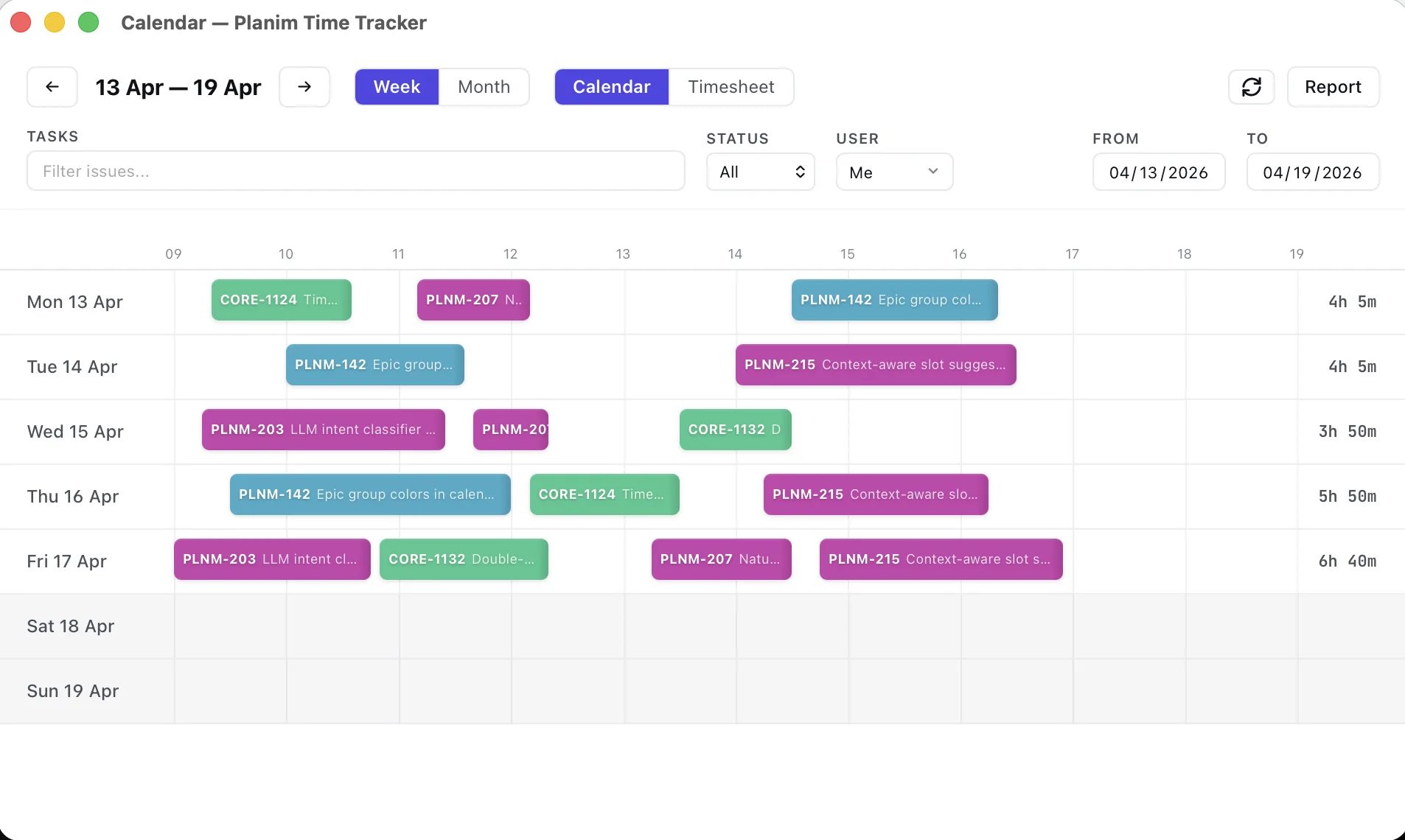
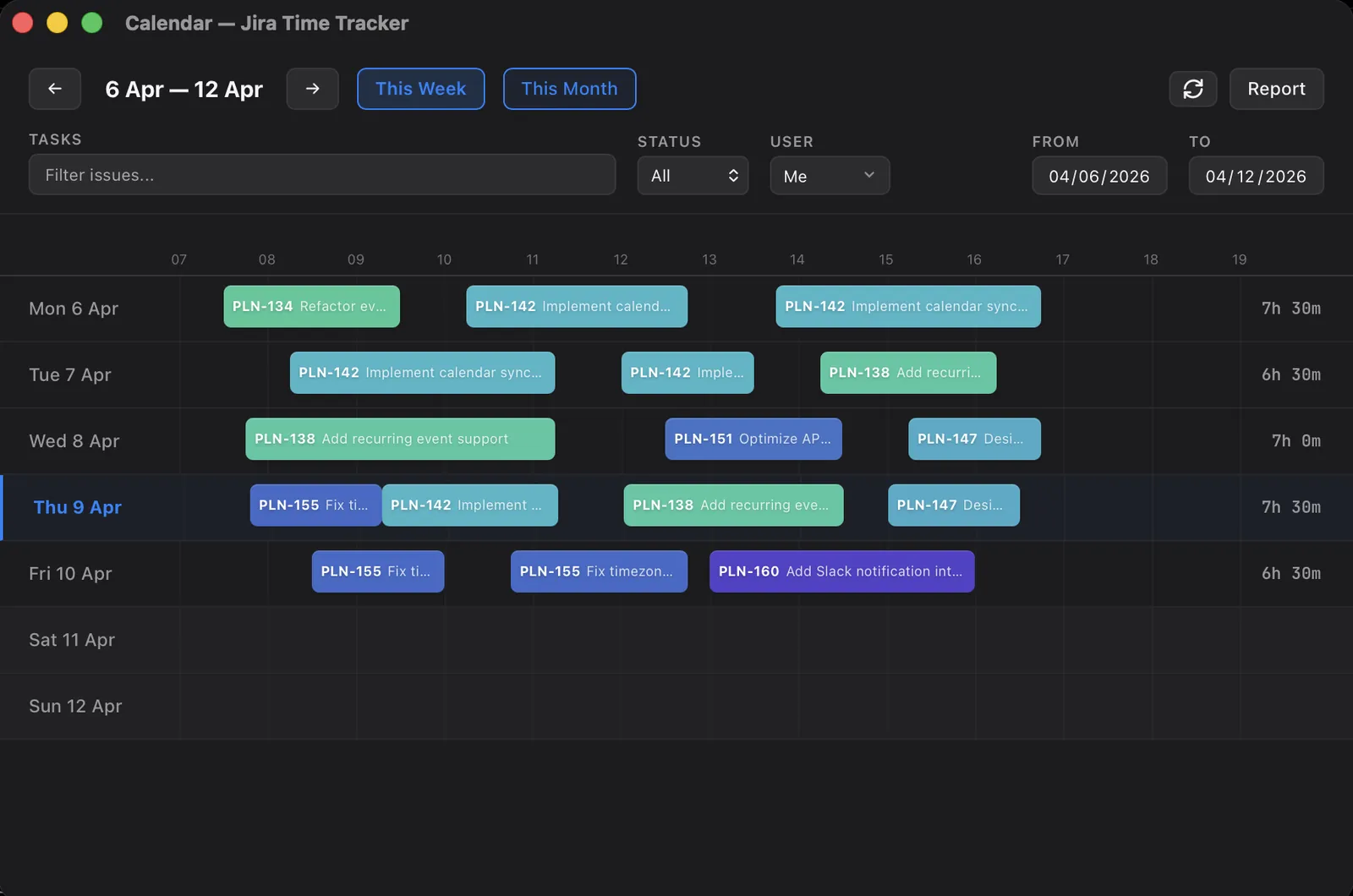
That’s the gap Planim Time sits in. It’s a native menu-bar app on macOS, Windows, and Linux with a free tier and two-way Jira worklog sync. Pick the issue from a JQL list, Start, Stop, and Push writes a plain worklog on that issue under your name. The two-store problem from the governance section above does not arise, because what the app shows for a day is what it pulled back from Jira plus whatever you have not pushed yet; there is a local copy, but every pull rewrites it from Jira, so there is nothing to reconcile by hand. The timer keeps running through a Jira outage or flaky VPN. You sign in with Atlassian, and long-lived credentials live in the OS keychain. The OAuth broker handles sign-in and refresh transiently, and no Jira admin installs a tenant app. Site authorization remains a separate gate, as the no-admin guide explains. I broke down the free-tier landscape in free Jira time trackers: which ones are actually free.
Where it loses to Tempo: no approvals, budgets, capacity planning, or invoicing. Where it loses to Clockify: no mobile app, no multi-tool tracking, and no general-purpose timesheet. Where it wins against both: offline-first desktop tracking and evaluation without a Marketplace tenant install.
The oversimplification worth dropping is “Clockify is the one-way free extension.” Its current Jira app is free, admin-installed, and two-way, while the account tier is capped at five users. “Tempo is the expensive one” is incomplete too: the premium buys a much deeper Jira finance workflow. Price the tool by the workflow and trust boundary you need, not by an outdated integration model.