Jira time tracking on mobile: a phone logs time, it doesn't time it
You can log work in the Jira mobile app, but it has no timer. Why a phone is for logging time after the fact, not for running a clock as you work.
On this page
You can track time in Jira on your phone, but the question splits in two before you choose anything. Logging time, recording after the fact that ninety minutes went on PROJ-214, works in the official Jira mobile app today: open the issue, open Log work, type the time spent, save. Timing time, running a live start/stop clock while you work, does not, because Jira has no timer on any surface, mobile or web. For a running timer on a phone you reach for a third-party app like Tempo, Clockify, or Toggl. The more useful answer underneath both is that a phone is naturally a logging device and a poor timing device, and once you see why, most of the mobile question answers itself.
We build Planim Time, a desktop Jira tracker, and we deliberately don’t ship a mobile app. That puts this question close to a decision we actually made, so the post below is the reasoning behind it, and it is honest about the places a phone beats a desktop.
A timer and a worklog are not the same job
Logging is recording a fact about the past. The fact is small and structured: an issue key, a number of minutes, when they happened, an optional comment. You can produce that fact from anywhere, on any device, hours or days after the work, as long as you remember the work happened. A phone is perfectly good at that. It is in your pocket, it is the device you have when you are not at your desk, and the thing it needs from you is memory, not presence.
Timing is the opposite shape. A timer measures presence at the work as it happens, which means it is only useful on the device where the work actually happens. You have to remember to start it and remember to stop it, and you only remember when the timer is in front of you. For most people logging time in Jira, engineers, designers, support agents, PMs, the work happens on a computer. The phone is the secondary screen sitting next to the keyboard. A timer there is the one you forget to start and the one that runs through lunch because it dropped out of sight, which is the same forgotten start and phantom stop we wrote about in Jira automatic time tracking. It just moves the failure to a second device.
So the two jobs want different surfaces. Logging wants whatever device is handy when you remember. Timing wants the device the work is on. A phone wins the first and loses the second, and that single split explains almost every honest recommendation in this post.
What the official Jira mobile app does
Native Jira time tracking is the same model on every surface: a worklog field you fill in by hand, with no timer anywhere. The mobile app exposes exactly that and nothing more. On an issue you open Log work, enter the time spent in Jira’s 2h 30m shorthand, set the start date and time, add an optional description, and save. It writes a real worklog and subtracts from the remaining estimate, identical to the web dialog covered in how to log work in Jira. The action can be tucked behind a clock icon or a menu rather than sitting front and center, and it only appears when the issue type carries the Time tracking field, the same condition as on the web: team-managed projects add the field per work type, company-managed projects can hide it via a field configuration. Time tracking as such is always on in Jira Cloud; there is no per-project switch to hunt for.
The official Jira Cloud app does not add a running timer, because Jira itself does not have one to expose. What you get on mobile is the logging half of time tracking, done cleanly: write a worklog, fix a worklog, see the hours already on an issue. That is genuinely useful, and it is the half a phone should be doing.
Third-party apps put a timer on your phone
If you want the running clock on the phone, that is the third-party tier, and it delivers. Checked against vendor documentation in June 2026:
- Tempo Mobile (iOS and Android for Jira Cloud) lets you start and pause trackers from a bar at the bottom of the screen, log and plan time in My Work, get reminders in an inbox, and turn a synced calendar event into a time record with one tap. It also handles approvals: a lead can swipe to approve or reject a timesheet from the phone. On Cloud, Tempo keeps the complete record in its own database and syncs a basic anonymised row to Jira. We cover the desktop side of this tool in Planim Time vs Tempo.
- Clockify and Toggl are general trackers with Jira integrations and full mobile apps. Both start and stop a timer on the phone, take manual entries, and, notably, track offline: an entry made with no connection is stored locally and synced to the vendor’s cloud when the phone is back online. From there the Jira paths diverge. Clockify’s Marketplace app documents two-way worklog sync. Toggl’s first-party Jira Sync is import-only, from Jira to Toggl, so it does not send the mobile time entry back as a Jira worklog.
The capability is real and well built. The thing it quietly assumes is that the phone is where your work is. For a field technician or a consultant out at a client site, that assumption holds and a mobile timer is exactly right. For someone deep in a codebase on a laptop, the timer is running on a device they are not looking at, and a timer you are not looking at is a timer you mismanage.
Where mobile actually wins
There are three places the phone is the right tool, and all three are logging or oversight, not timing your own focused work.
Backfilling and corrections on the move. You forgot to log Tuesday and you remember it on the train home. Opening the issue and adding the worklog from a phone is faster than waiting until you are back at the desk, and it is the same reconstruction-from-memory described in backfilling Jira worklogs. The phone is ideal here precisely because the work is over and you are only recording the fact.
Approvals and oversight. A team lead clearing a queue of timesheet approvals from a phone (Tempo’s swipe-to-approve is built for this) is reading and signing off, not producing hours. That is a glance-and-tap job, which is what phones are for.
Genuinely mobile work. Field service, site visits, installs, client meetings: cases where the phone is the work device and the laptop is the secondary screen. Here a mobile timer is primary and correct, and it is a real and large category. It just is not the engineer at a laptop, which is who most “track time in Jira” advice is written for.
And the inverse, said plainly: for desktop-bound work, a running mobile timer is the entry most likely to drift. You start it, switch to the laptop, and the phone timer is now out of sight, still counting while you are in a meeting or at lunch. A wrong worklog is worse than a missing one, because it sits in Jira looking exactly like the truth and you find it during invoicing, if at all. That is the phantom-worklog problem from the automatic tracking post, and a second device is a good way to create it.
Why our tracker is desktop-only
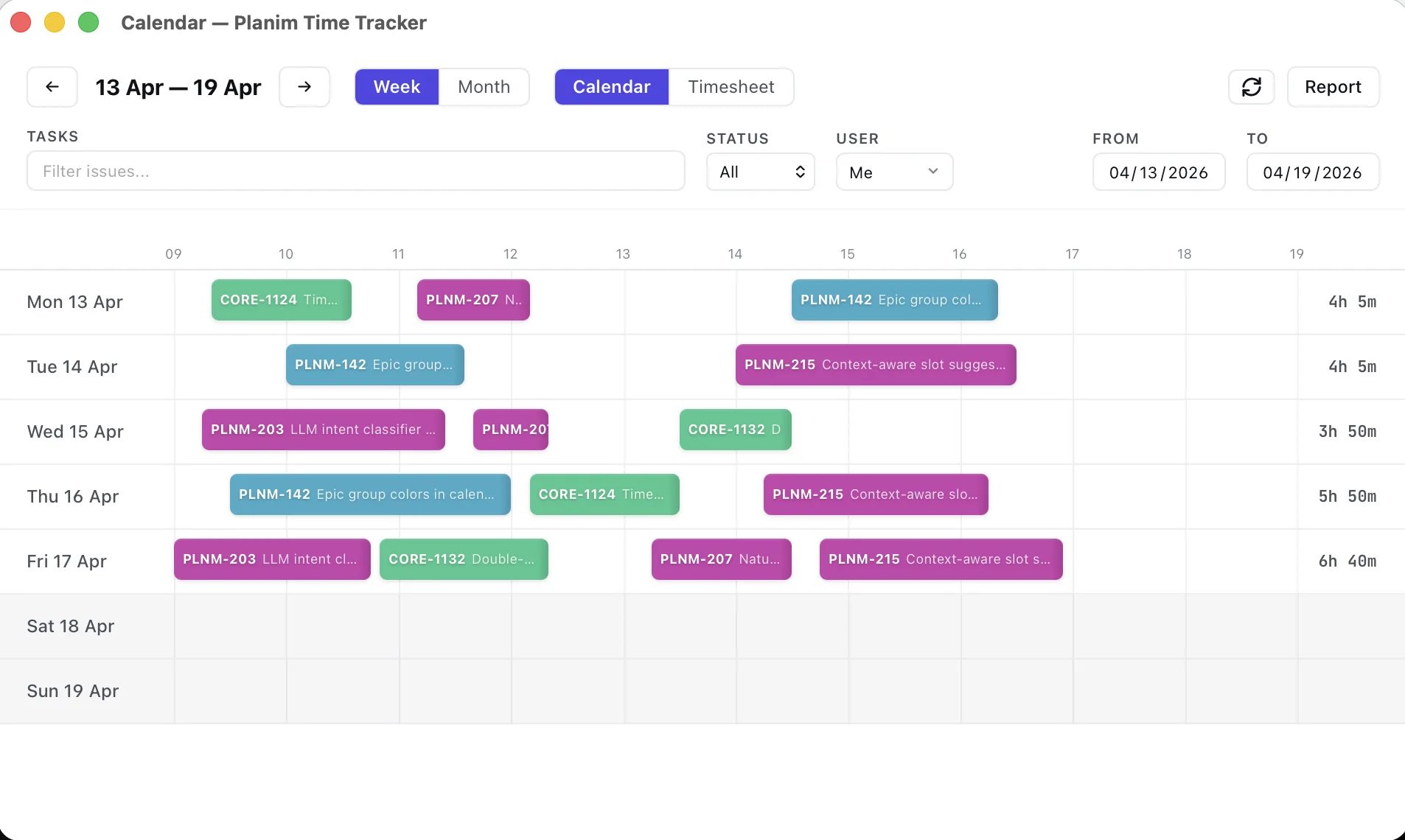
This is where our own design decision lines up with the argument. Planim Time is a menu-bar binary, and the timer lives where the work lives: next to the clock and the Wi-Fi indicator, glanceable while you are on the machine you are actually working on. It is offline-first, with a local store that queues worklogs and reconciles them when the connection returns, the engineering of which is its own story in two-way Jira worklog sync. We don’t ship a phone app because, for a person working on a computer, a phone timer is a worse timer, not a more convenient one, for exactly the reasons above. The fuller case for a desktop binary over a browser tab or a Marketplace plugin is in why a desktop Jira time tracker.
We are honest about where this loses. If you genuinely move across three or more devices in a day, or your work is field work, a portable web or mobile app beats a per-machine binary, and we said so when we made that call. And if all you want from the phone is to log or fix a worklog alongside a desktop timer, you don’t need us on mobile at all: the official Jira app already does that. You don’t need a tracker on the phone, you need the worklog reachable from the phone, and it is.
The short version
You can log time in Jira from the official mobile app, manually, with no timer, and that is the right job for a phone: backfilling, corrections, and quick edits after the work is done. A start/stop timer on a phone comes only from third-party apps like Tempo, Clockify, or Toggl, several of which also track offline. That mobile timer earns its place when the phone is the work surface (field and on-site work) or for a manager approving timesheets, and it tends to drift when the real work is on a computer and the timer is left running on a screen nobody is watching. So time it on the device the work happens on, and let the phone do what it is good at, which is recording the time you already spent. A phone is not a worse tracker; it is a logging tool people keep trying to use as a timer.