Billable hours in Jira: no native field, what teams do instead
Jira has no billable flag. Four patterns teams use (labels, custom fields, separate projects, add-ons) and the issue-vs-worklog tradeoff that decides.
On this page
Jira does not have a billable field. There is no checkbox on a worklog, no toggle on an issue, no setting in the project. Anything that looks like billable tracking in vanilla Jira is something a team has built on top of the fields Jira actually has: labels, components, custom fields, or a separate project per client. Marketplace add-ons like Tempo and Clockwork add a real billable flag at the worklog level. Without them, billable is a convention, not a column.
The decision that matters more than which pattern you pick is whether you need billable tracking at the issue level or at the worklog level. An issue is a ticket; a worklog is one logged session against it. If a single ticket can ever contain both billable and non-billable work, say a client request that ends with thirty minutes of internal followup, then issue-level patterns silently mislabel hours, and only worklog-level patterns survive the invoice.
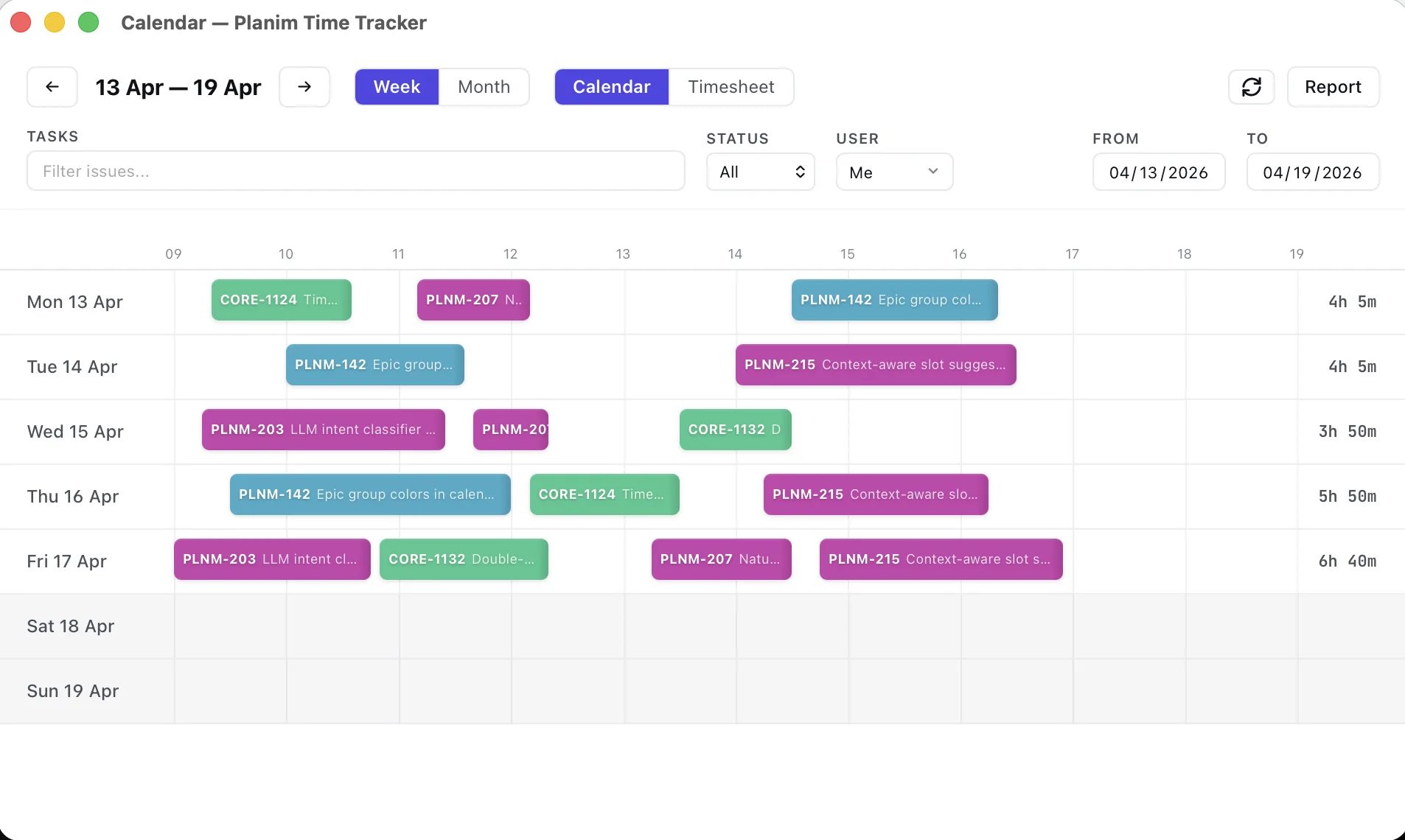
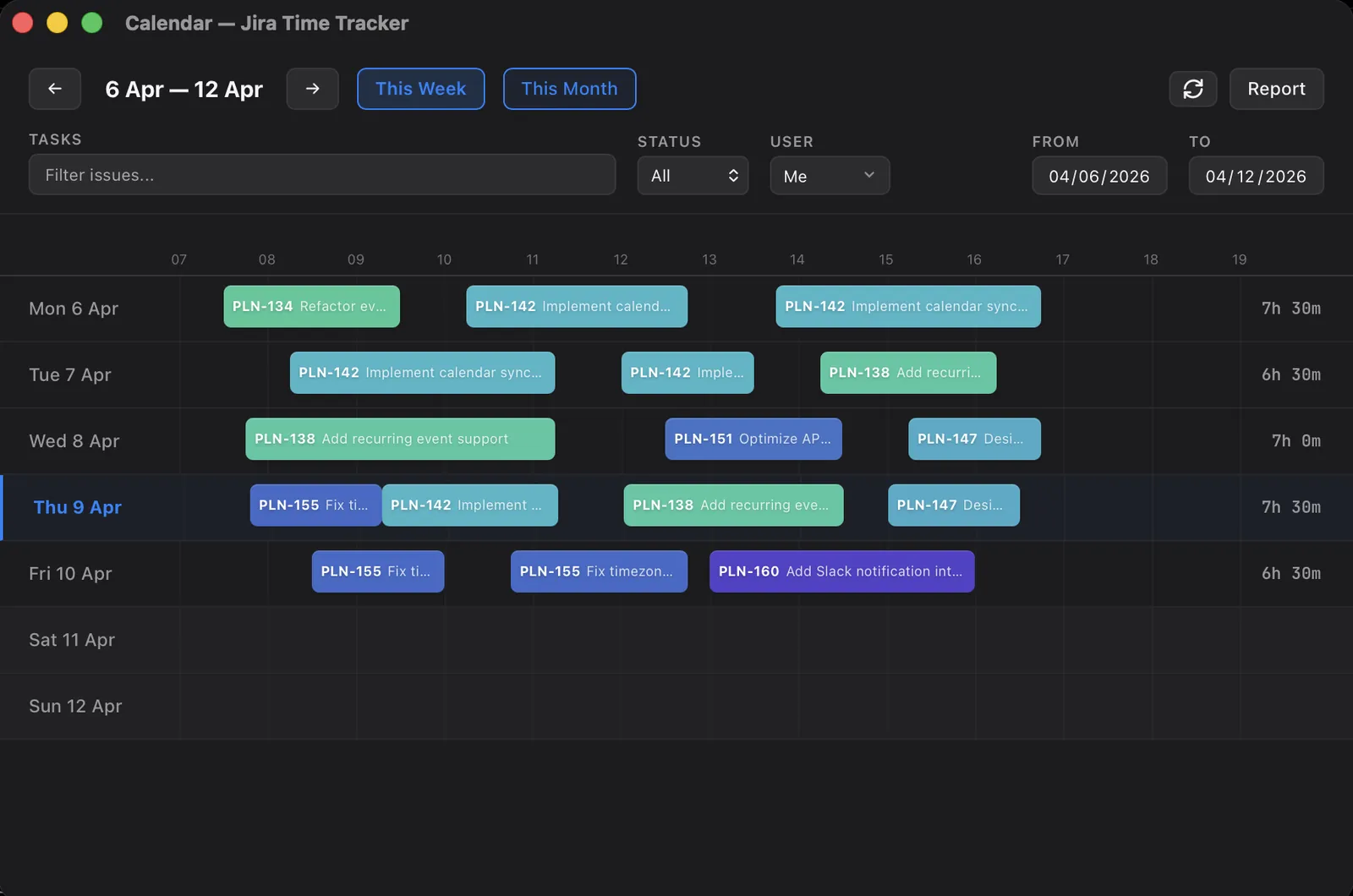
The worklog side of this is where I spend most of my time, since Planim Time writes those worklogs and adds nothing on top of them. The breakdown below is the patterns I’ve watched land for real teams, what each one costs, and where each one quietly breaks.
Why Jira doesn’t ship with a billable field
Jira’s worklog schema is small on purpose. A worklog has a duration (timeSpent), a date (started), a free-text comment, an author, and a visibility setting that controls which role or group can see it. That’s the full record. There is no monetary field, no rate, no client, no billable boolean. The worklog REST API returns those fields and nothing else.
The design choice is consistent with the rest of Jira: a tracker for issues, with a generic worklog attached so time can be reconciled later by whoever cares about money. Billing is a vertical concern Atlassian leaves to the Marketplace ecosystem. Tempo, Clockwork, Everhour and the rest exist because that ecosystem is exactly the gap the platform doesn’t fill itself.
That history matters for one practical reason. Every billable pattern in vanilla Jira is a workaround over the same flat worklog schema, and they all inherit one limitation: the schema has no per-worklog billable bit.
Pattern 1: A separate project per client
The cleanest model when the work itself is cleanly separated. Each client gets its own Jira project. The project key (ACME, BIGCO) is the billable boundary. Worklogs against ACME-* are by definition the work you bill ACME for; internal work lives in a different project entirely.
JQL is straightforward:
project = ACME AND worklogDate >= "2026-05-01" AND worklogDate <= "2026-05-31"
Export from Advanced Issue Search (/issues/?jql=...), pick the “All fields” CSV option, and the worklog totals come out per issue.
When this works. Agencies where each client engagement is large enough to justify its own project, and where engineers rarely toggle between client work and internal work in the same hour. Setup is one-time; the boundary is obvious; permissions can be scoped per project so a developer who shouldn’t see one client’s tickets just doesn’t get added to that project.
Where it breaks. Internal product work mixed into client engagements. Cross-team support requests that touch multiple clients’ projects in a day. The moment one person logs eight hours on ACME-123 that includes one hour of building shared infrastructure, the project boundary lies, and you find out at invoice time.
Pattern 2: A label on the issue
The lightest-weight pattern. Use a Jira label (billable, non-billable, internal) on the issue. Filter at report time with JQL:
labels = billable AND worklogAuthor = currentUser() AND worklogDate >= -30d
No admin setup, no Marketplace install. Anyone with edit permission on a ticket can tag it correctly. Labels are free-text in Jira, which means typos (billble) and case (Billable) become a real problem at the volume of one team logging into the same Jira for a year, so most teams that take this seriously enforce labels through automation or a saved JQL filter that the admin maintains.
When this works. Solo engineers, small consultancies, anyone who needs billable separation for invoicing but doesn’t want admin overhead. Pairs well with Jira’s native worklog UI because it stays inside the default surface.
Where it breaks. Same issue-level limitation. A ticket labelled billable reports every minute logged against it as billable. If a developer takes a Slack call about the same feature halfway through and logs the time on that ticket, the label can’t tell the difference. The fix is either splitting the work into two tickets or accepting that “billable” here means “issue is on a billable engagement” rather than “this worklog is billable.”
Pattern 3: A custom field (boolean) on the issue
A Jira admin adds a custom field called Billable (type: select list with Yes/No, or a single checkbox) to the issue type. The field is visible on the issue view, reportable via JQL ("Billable" = Yes), and accessible to the Workload Pie Chart dashboard gadget for per-user breakdowns.
This is the pattern that looks most “proper” because it’s a real field, not a label. It also has a real schema, which means JQL and the REST API treat it as first-class data instead of stringly-typed convention. The Time Tracking report itself doesn’t read custom fields, but Advanced Issue Search does, and a quick query produces a clean export.
When this works. Teams with a Jira admin who can add and maintain a custom field, where the same field needs to be reported on across multiple projects. Better than labels for any team above ~10 people because typos go away.
Where it breaks. Same issue-level limitation as labels. The field is on the issue, not on the worklog. Setting Billable = Yes on BIGCO-42 says nothing about which of the four worklog entries on that ticket were billable.
Pattern 4: A Marketplace add-on with a worklog billable attribute
Tempo Timesheets and Clockwork both let an admin define worklog attributes, of which “billable” is the canonical example. Once configured, every worklog dialog gets a Billable / Non-billable toggle, and the saved worklog carries that bit independently of the issue.
This is the only realistic way to get per-worklog billable tracking in Jira. Tempo Timesheets can export billable-time reports grouped by account for downstream invoicing. Clockwork has its own billable reporting surface.
When this works. Agencies, consultancies, any team where a single ticket genuinely mixes billable and non-billable work and the boundary needs to live on the time entry, not on the issue. Anyone whose finance team already buys the Tempo or Clockwork license; the marginal cost of using the existing tool is zero.
Where it breaks. Per-user pricing on top of every Jira user, including the ones who never log a single hour. We’ve done the head-to-head with Tempo and Clockwork elsewhere, and the short version is: for engineering-only teams that don’t need a full timesheet platform, the per-seat math gets expensive fast. A finance org can pair Timesheets approvals and billable reports with separate capacity or financial products, but that is a wider suite decision rather than one bundled feature.
The issue-vs-worklog trap
This is the part nobody warns you about up front. Three of the four patterns above (labels, custom fields, separate projects) tag the issue. The fourth (Marketplace add-on) tags the worklog. Until you hit a ticket that mixes both kinds of work, that distinction looks like an implementation detail.
A concrete example. An engineer at an agency works on ACME-42, a feature for the client. They spend four hours building it (billable). Halfway through they take a thirty-minute internal call about the shared infrastructure that this feature depends on (non-billable per the contract). They finish, log five hours total on ACME-42, and move on. The ticket has the billable label, or sits in the ACME project, or has the Billable = Yes custom field. The report counts all five hours as billable. The client gets invoiced for thirty minutes of internal architecture work they explicitly excluded.
Two ways out without buying a plugin:
- Split the work into two issues. Create a separate internal ticket for the thirty-minute call. The labels and custom fields then describe the work correctly, because each ticket is one kind of work.
- Prefix worklog comments. A widely-used convention I’ve watched teams settle into: prefix every worklog comment with
[B]for billable or[NB]for non-billable. At export time, parse the comment column. Not pretty, no JQL support, no validation, but it does push the distinction down to the worklog level without any admin work.
Both have friction. Option 1 is purer but doubles the ticket count for any mixed work. Option 2 is uglier but doesn’t fight Jira. The only path that scales to “real billing department of a real agency” is Pattern 4: a worklog-level attribute from a Marketplace add-on. That’s why those add-ons exist, and it’s why teams whose entire revenue model is “invoice clients for engineer hours” eventually buy them.
Exporting hours for an invoice
Once you’ve picked a pattern, the export step depends on it.
| Pattern | Export path | Output |
|---|---|---|
| Separate project | Advanced Issue Search → CSV (All fields) | Issue rows with Σ Time Spent per issue |
| Label | JQL labels = billable → CSV, or worklog REST API filtered by issue keys | Issue rows; per-worklog requires REST API call per issue |
| Custom field | JQL "Billable" = Yes → CSV | Same as above |
| Tempo / Clockwork | Billable-time report or export from the add-on UI | Worklog rows grouped by account or client, totals included |
For per-worklog detail in vanilla Jira, the worklog REST API is the canonical path: GET /rest/api/3/issue/{issueIdOrKey}/worklog returns every worklog object on an issue, including the comment field if you used the prefix convention. The broader landscape of what each Jira reporting surface can and can’t do is in Jira time tracking reports.
Your own hours need no script: in Planim Time the calendar report over the invoice period, with Export as CSV ticked, saves one row per worklog with the issue key, start time, duration and the comment as plain text (reports are Pro; the timer and Push are free). The CSV carries no label or project column, so with patterns 1 to 3 you filter the rows by project key, or by the issue keys your labels = billable search returned. The [B] / [NB] prefix lands in the Description column, so that convention survives the export without a script.
Where Planim Time stands on this
Planim Time has no concept of billable. It pushes worklog hours to Jira through the standard /rest/api/3/issue/{key}/worklog endpoint, with the same fields Jira’s own UI uses. There is no custom “billable” attribute on top of it and no parallel database of time entries with billable flags. The reasoning is the same as the rest of the design: if the data isn’t in Jira’s native worklog, it’s at risk the day someone in your team edits worklogs directly in Jira and the local copy disagrees.
For our own billing, we run Pattern 2: a label on the issue, with a JQL filter at invoice time. It works because we’re a small team and our ticket structure already separates client work from internal work. If we ever grow into the issue-vs-worklog trap, we’ll buy Tempo, because that’s what Tempo is for. The honest answer is that the right pattern depends on the size of the team and the messiness of the engagements, not on the cleverness of the workaround.
The rule of thumb is the one in the second paragraph at the top of this post: pick issue-level only if your work is cleanly issue-shaped, and pick worklog-level the moment a single ticket can carry both kinds of time.