Leaving Tempo: a working playbook for moving Jira worklogs
How to export historical worklogs from Tempo, pick a successor, backfill Jira, and the pieces of your workflow that don't survive the move.
On this page
We get this question maybe twice a month, often from someone who joined an engineering team after Tempo was already in place and has just been told they’re the one running the migration. The honest version of the answer: leaving Tempo is more straightforward than the marketing makes it look, but most of the work is in the parts nobody warns you about.
We build Planim Time, one of the trackers people migrate to. I’m going to try to write this as if you might pick something else, because the most common mistake I see is teams choosing the destination tracker before they’ve mapped what they actually use Tempo for. You can have any tracker on the market replace Tempo. You cannot have any tracker on the market replace Tempo plus all the workflows Tempo quietly accumulated over the years.
Before you start: what are you actually leaving?
Tempo isn’t one product. It’s a stack of plugins (Timesheets, Planner, Cost Tracker, sometimes Custom Fields and Strategic Roadmaps) that an admin enabled at various points, often years apart. Before you draft a migration plan, sit down with whoever has admin and write down which surfaces of Tempo your team actually opens. Three columns: what we use, who uses it, what breaks if it disappears next week.
Most engineering teams will discover the answer is something like: the timer and worklog UI for engineers, the timesheet report for the manager, capacity planning that nobody’s looked at in six months, and the approval workflow that finance set up and nobody’s allowed to change. The timer and the worklog are the part you replace. The timesheet is the part you negotiate. Capacity and approvals are the parts you decide whether to lose or rebuild.
If you skip this audit, you’ll get three weeks into the migration before discovering finance was using one feature you forgot existed.
Step 1: export the data, while you still have access
Two pieces of data matter for most migrations.
Historical worklogs. Tempo Cloud’s Reports tab (Reports > Logged Time, then change the columns to include Issue Key, Author, Started Date, Time Spent, Description, Account, and any custom attributes your finance team relies on) exports to CSV. Pull at least the last twelve months. If you bill clients off this data, pull everything that hasn’t yet rolled off any retention you have. Do this before you cancel the Tempo subscription, not after; the cancelled tenant locks read access fast.
Worklog approvals. Approved timesheets in Tempo are stored separately from the worklogs themselves. If you ever need to defend a billed hour to a customer or to an auditor, export the approval log too (Tempo Accounts > Timesheet Approvals, by user, by period). Most teams skip this and regret it the first time an old invoice is questioned.
The critical detail is that Tempo Cloud uses its own database. It synchronises basic worklog information to Jira, but those Jira rows are anonymised under the Timesheets by Tempo author and omit the original author, comment, Accounts, work attributes, and billable values. Jira’s REST API and worklogAuthor JQL only see that anonymised representation. The Tempo CSV or REST API export is therefore the migration source of truth, not the Jira worklog tab.
Step 2: pick the successor before you cancel anything
This is the step teams skip. Tempo is the surface most of your reports lean on, and ripping it out before you have a replacement running in parallel will cost you a quarter of someone’s quarter, minimum.
The honest framing: there is no single “Tempo alternative” that covers everything Tempo does. There are three shapes of replacement, and which one fits depends on what you decided in the audit.
Shape A: another Jira plugin. Clockwork is the closest substitute for “Tempo’s UI without Tempo’s price”. It lives in the Jira tab, ships a timesheet, and on Jira Cloud is free up to ten users (Clockwork Lite). If your finance team’s report is the thing that matters most, this is the lowest-friction switch. You’re trading one Marketplace dependency for another, but at lower cost and with less surface area.
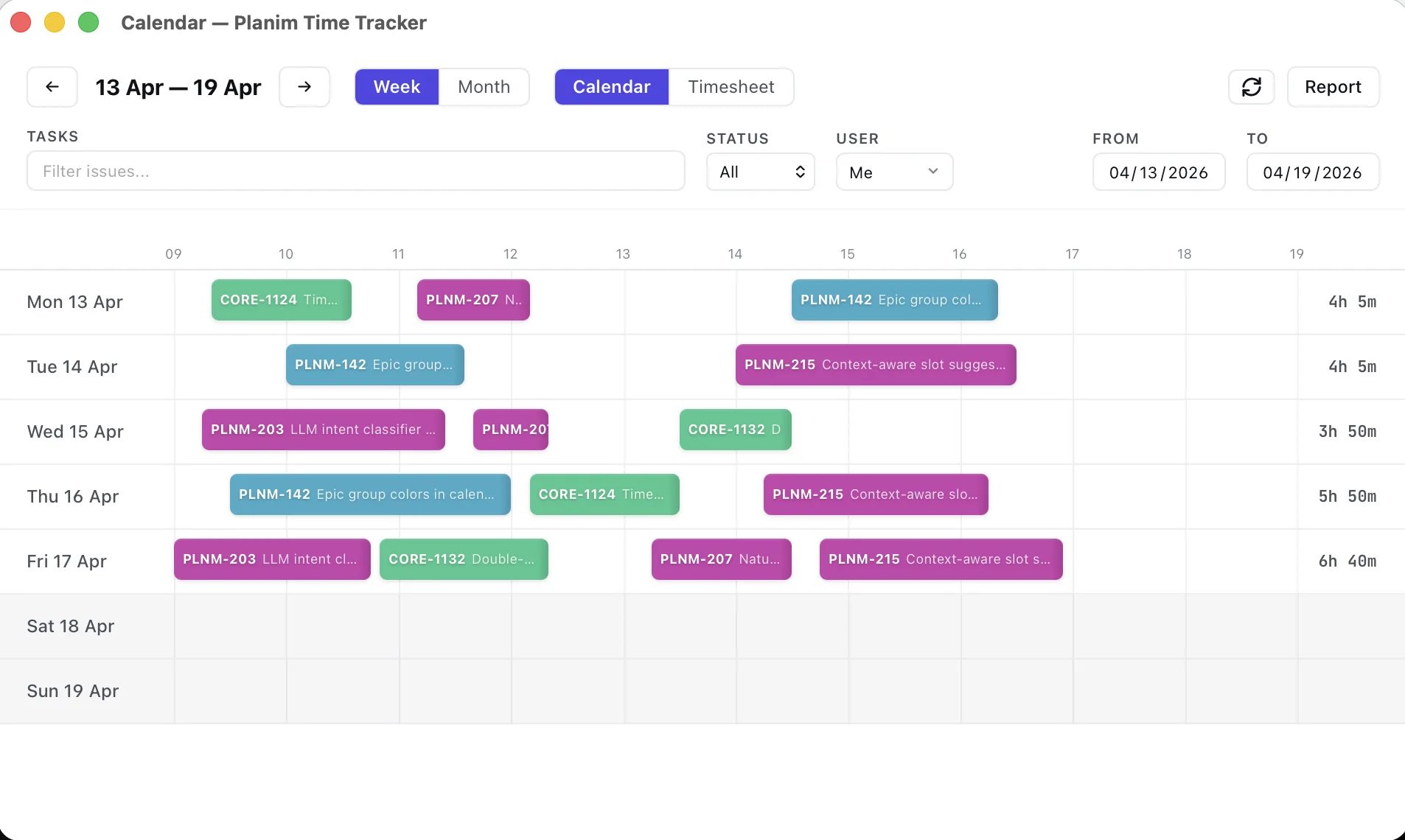
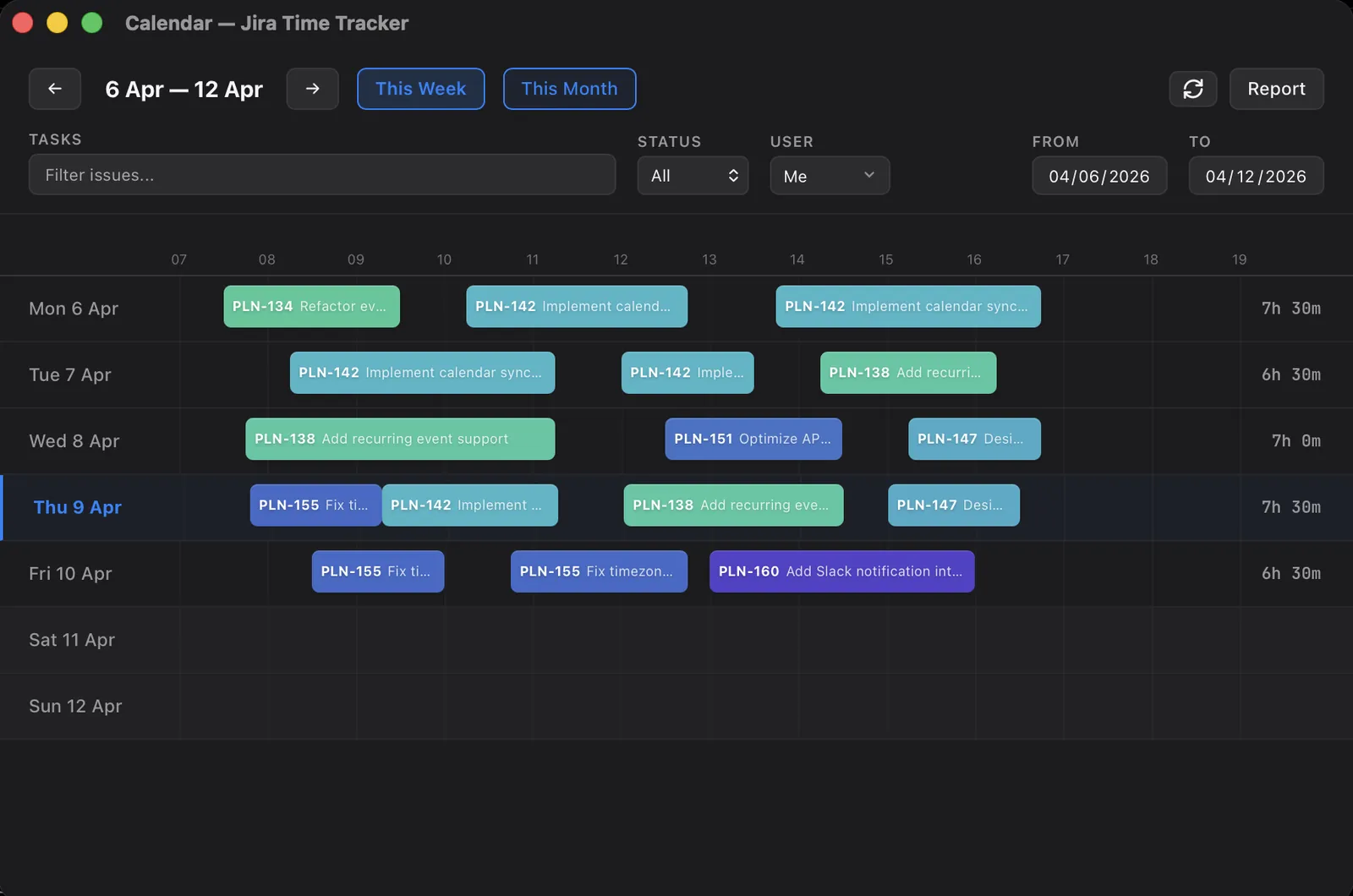
Shape B: a Jira-native desktop tracker. Planim Time, which is the tool I work on. You move the timer out of the browser and into a menu-bar app, which is faster day-to-day for engineers and slower to onboard for a manager used to Jira. New entries become ordinary user-authored Jira worklogs. The loop is: pick the task, Start, Stop, and a one-click Push. Install it on one or two machines during the audit week and the parallel run costs nothing to start, because the timer and sync are the free tier. Existing Tempo rows remain anonymised and do not automatically become editable Planim history, so keep the export and start a clean cutover unless you build a dedicated backfill. There’s a longer write-up in why a desktop Jira tracker, not a Marketplace plugin if you want the engineering rationale.
Shape C: a general-purpose tracker (Clockify, Toggl, Everhour). Sync direction varies. Clockify’s current Marketplace app and Everhour Team can write tracked time into Jira worklogs; Toggl’s first-party Jira Sync remains import-only. All three keep a parallel cloud dataset, and each has different rules for edits, historical imports, and conflicts. If Jira is the reporting surface for finance, customers, or auditors, test write-back and round-trip edits on a real issue before choosing this shape.
I wrote a fuller comparison of the five we see come up most often, and a shortlist of Tempo alternatives organised by use case if you want named candidates for each shape; I won’t re-litigate either here.
The decision rule that’s worked for the teams I’ve talked to: ask the person who actually reads the report. If the answer is “Jira”, pick Shape A or B. If the answer is “the tracker’s dashboard”, Shape C is fine. If the answer is “an Excel file someone exports once a month”, any of them will do and price wins.
Step 3: run them in parallel for two weeks
Don’t cut over on a Monday morning. Pay for both for two weeks. Have the team install the new tracker, keep logging in Tempo as well, and compare the totals at the end of week one and week two. Three things will surface:
- People who don’t actually log time, and who you assumed did.
- Workflows in Tempo nobody told you about.
- Edge cases in the new tracker’s sync that the demo never showed you.
Two weeks is the floor. If you have a monthly invoicing cycle, run it for one whole cycle.
Step 4: backfill (or don’t)
Here’s the question you’re avoiding: do historical Tempo worklogs need to be recreated inside the new tracker, or is a Tempo export sufficient as the archive while the new tracker starts fresh?
In most cases, the answer is “fresh start”. The CSV you exported in Step 1 covers long-tail reporting needs such as an auditor asking about a 2025 invoice. Jira’s basic Tempo rows preserve totals but are attributed to the Tempo app, not the people who logged them. Recreating those hours creates synthetic worklogs the new tracker did not time and introduces duplicate totals, user-attribution mistakes, missing attributes, and daylight-saving edge cases.
The near past is the one exception worth closing. For the weeks where logging fell through the cracks mid-migration, Planim Time’s Recent Work reads your own Jira trail (comments you wrote, statuses you moved, fields you edited) and suggests time blocks for the days that come up short; you adjust each duration and add it with a click (Pro). It cannot resurrect the anonymised Tempo rows, and nothing can: that history lives in the CSV from Step 1. The activity-reconstruction post shows the same trail queried by hand.
If you do need historical worklogs visible in the new tracker, require a migration plan that maps each Tempo author to a Jira identity and prevents the anonymised Jira rows from being counted twice. I would treat any vendor’s “import from Tempo” claim with suspicion until you have watched it run on a real export and reconciled issue totals before and after.
Step 5: turn off Tempo, in this order
Once the new tracker has been the source of truth for at least one billing cycle:
- Stop new worklogs from going to Tempo. Disable the Tempo plugin’s “Track Time” widget for users, or pull permissions on the project. Don’t uninstall yet.
- Run final reports. Export anything else you didn’t catch in Step 1.
- Wait one billing cycle. Customers, finance, or the auditor will discover the thing you forgot during this window, not after the plugin is gone.
- Cancel the subscription. Your access ends at the close of the paid period, not the cancellation date; don’t rely on grace-period reads, since the policy varies by vendor and edition. Anything you might need later, pull before this step.
- Uninstall. Last, not first.
What doesn’t migrate cleanly
Worth saying out loud so nobody is surprised six weeks in:
- Tempo Accounts and Activity Types. These are bespoke fields. The new tracker won’t have them in the same shape, and your existing dashboards built on top of them will break. Plan to either rebuild reporting on Jira’s own labels, or stand up a custom field in Jira that mimics Account.
- Capacity planning. Tempo’s Planner is a separate product layer most engineering teams don’t actually use, but if you do, no general-purpose tracker has an equivalent. Clockwork has some of this. Planim Time doesn’t try.
- Approval workflow. If finance was approving timesheets weekly inside Tempo, the new tracker either has a different approval UX or none at all. This is the surface most likely to cause a fight, so flag it early.
- Custom Tempo work attributes per issue. Almost certain to be gone after the migration; export the values you need into a Jira custom field before you start.
Why teams leave Tempo, in case anyone asks
Three reasons come up most often, in roughly this order.
Price. Tempo is priced per Jira user on Atlassian Marketplace, and the moment your Jira instance crosses 100 seats the bill is meaningful even when only a fraction of those users actively log time. For an engineering-only team on a larger Jira instance, the math gets ugly fast.
Outage surface area. Tempo lives in the Jira tab. When Jira Cloud has a bad afternoon, so does your timer. Atlassian’s status page is honest about how often that happens. Moving the timer out of the browser and into a desktop app pushes the failure mode to a place where you can keep working.
Scope mismatch. Timesheets includes approval and reporting depth, while capacity planning and financial management come from separate Tempo products that teams often buy alongside it. If your team only uses the timer and the timesheet, the wider Tempo stack may add product surface and subscriptions you never use.
If any of those three is what’s driving your migration, you already know what you’re trading. The point of this post is not to convince you; it’s to make sure that when you do trade, the migration doesn’t break things you needed.
The honest one-paragraph summary
If you have an engineering team and Tempo is overpriced for what you use it for, you can replace the timer-and-worklog piece in a weekend, the timesheet piece in two weeks of parallel running, and the finance approval piece in a tense meeting with someone who’s going to push back. The migration that actually goes wrong is the one that skipped Step 0, the audit. Do that one carefully, and the rest is mechanical.