Tempo vs Clockwork: which Jira time tracker for your team
Tempo and Clockwork compared head-to-head: prices, free tiers, approvals, leave tracking, and the team size where the math flips between them.
On this page
Short version. Pick Tempo Timesheets if a finance director or PMO reads your team’s hours every month and your timesheets feed approvals, budgets, or client invoices. Pick Clockwork if your Jira Cloud team is ten users or fewer, you want a timesheet that lives inside the Jira tab, and you don’t need any of Tempo’s finance surface. Above ten Cloud users with no finance reader, neither one is the obvious answer, and that’s the case most engineering teams actually have.
I’ve watched a lot of teams pick between Tempo and Clockwork, and the choice almost never turns on which one has a richer feature list. It turns on who reads the timesheet at the end of the month, and whether your team has crossed the ten-user Cloud cliff. Everything below is that decision unpacked. The last section is for the teams neither plugin fits; that is where the desktop tracker Planim Time comes in.
Marketplace prices in this category change quietly. Re-verify before quoting any number internally.
What they have in common
Worth getting these out of the way, because the marketing pages don’t.
Both are Atlassian Marketplace plugins. Both install inside Jira itself rather than on your laptop, which means a Jira admin has to install and enable them before anyone on the team can track a single hour. Both bill against the Jira license size rather than the number of active trackers, so a 50-person Jira instance where 12 engineers actually log time still sits in the 50-user pricing scope. Both surface a timesheet inside the browser tab and rely on the Jira session being live; neither has a native menu-bar or tray timer, neither runs offline, and neither survives a Jira outage.
Their storage model is an important difference, not a shared property. Clockwork creates worklogs in Jira. Tempo Cloud keeps the complete record in Tempo’s database and syncs a basic anonymised representation to Jira under the Timesheets by Tempo author. That distinction matters for API reporting and migration even when the issue’s Time Spent total looks the same.
If those four properties (Marketplace install, per-Jira-user billing, browser-bound timer, no offline) are non-issues for your team, the rest of this post is the genuine decision. If any of them is a deal-breaker, the last section walks through why neither product fits and what people pick instead.
Where Tempo Timesheets pulls ahead
Tempo has spent over fifteen years optimising for the question a finance director asks when they open a timesheet, and the surface shows it. The submit-and-approve flow is the part finance teams already know how to read: a manager queue, lock-after-approval, full audit trail of who changed what. Clockwork has approvals on its Pro tier too, but Tempo’s is the one a finance approver opens without asking how to read it.
Timesheets handles team approvals, Accounts, work attributes, billable hours, and report exports. Capacity planning and financial management are separate Tempo products, currently Capacity Planner and Financial Manager, that consume Timesheets data. Timesheets can export billable-time reports for an invoicing workflow, but it does not bundle those separate products or generate the final customer invoice by itself.
Then there’s the reporting suite. It’s built for the moment a 200-person engineering org has to defend its tracked hours to an internal audit or a client review, and plenty of finance teams pick Tempo for that reason alone. Clockwork is the lighter Jira Cloud option; its free allowance covers sites with up to ten users, while Tempo starts with a trial and then paid Marketplace pricing.
What you pay for that surface: Tempo’s current Cloud pricing lists $1 per Jira user per month for 1–10 users and an average $5.21 per user for 11–100, then lower average rates in larger bands. The Tempo license must match your Jira license size. Check the live table before quoting it in a procurement doc.
Where Clockwork pulls ahead
Clockwork (HeroCoders) is the lighter option, and on the right team size that’s the entire pitch. Clockwork Lite is free up to ten Jira Cloud users with a real timesheet UI, JQL-based issue selection, exports, and unlimited timer starts after HeroCoders removed the old 300-timer monthly limit in May 2026. Above ten users, or for the richer Pro workflow, Clockwork moves to paid Marketplace pricing. Tempo offers a 30-day Marketplace trial rather than a permanent free tier, so the price gap exists from the first paid month.
The daily UI is the other half of the pitch. Clockwork’s timesheet grid is faster to scan and faster to edit than Tempo’s, and if your team’s actual interaction is “open the timesheet, fix three rows, leave”, Clockwork wins that loop. Clockwork also bundles holidays, leave requests, and absence tracking inside the timesheet on a single approval flow. Tempo bundles absence tracking too, but through additional modules (Tempo Planner, Tempo Workforce) layered on top of Timesheets rather than baked into the same view. If absence and timesheet are one record for your team, Clockwork is the shorter path.
Underneath both products is the same Marketplace plugin scaffolding, but Clockwork carries fewer Tempo-specific permissions to grant, fewer Marketplace SKUs to wrangle, and fewer add-ons to budget for. For a Jira admin already managing a sprawl of Marketplace apps, that matters.
What you trade for the lightness: no genuine budget or capacity-planning module, no invoicing engine, less audit-tuned reporting once your team is past 50 people, and the same per-Jira-user pricing cliff above 10 Cloud users as everyone else in this category has.
The math at 20 people
Same engineering team, same Jira Cloud instance, 20 people on it, of whom 12 actively track time and 8 never touch a worklog. The cleanest way to feel the difference between these two.
| Tempo Timesheets | Clockwork (Pro) | |
|---|---|---|
| Billed seats | 20 (every Jira user) | 20 (every Jira user) |
| Approximate monthly bill | ≈ $104.20 for 20 Jira users at Tempo’s current $5.21 average rate | Use Clockwork’s live 20-user Cloud quote |
| What you get for it | Timesheets approvals and reports; separate Tempo products add capacity and financial workflows | Timesheet, leave, PTO, lighter reports |
| Effective cost per active tracker | ≈ $8.68/month across the 12 active trackers | Depends on the current Clockwork quote |
Two things to notice. First, both products bill the 8 people who never log time. That’s not a Tempo or Clockwork choice; it’s how Atlassian app licensing works. A 20-person Jira instance where 12 people track time and 8 don’t is paying for 8 dormant seats either way. Second, a price comparison has to use the same Jira-user band on the same date. Tempo publishes $5.21 per user for the 11–100 Cloud band today; Clockwork’s live quote can move independently. Once the quotes are in hand, the decision still comes back to which workflow the team actually uses.
The decision in one table
| Your situation | Pick |
|---|---|
| Finance director or PMO reads timesheets monthly | Tempo |
| You need approval workflows or billable-time reports | Tempo Timesheets |
| You need capacity planning or financial management integrated with timesheets | Wider Tempo suite |
| Your Jira Cloud team is ≤10 users and you just want a timesheet inside Jira | Clockwork |
| You need leave and PTO bundled with the timesheet | Clockwork |
| You want the lightest possible Marketplace install for an engineering-only team | Clockwork |
| You need offline tracking, a menu-bar timer, or you don’t have Jira admin access | Neither (see below) |
| Your engineers want to start a timer without opening Jira at all | Neither |
For a full row-by-row comparison against Planim Time, the Tempo head-to-head and the Clockwork head-to-head carry the feature matrices.
When neither fits
There’s a third case the Tempo-vs-Clockwork framing leaves out: your team needs the timer to survive things that take Jira itself down, and neither product is designed for that. Atlassian’s status page carries a couple of degraded periods most months. A browser-tab timer dies with the tab; a Marketplace plugin dies with Jira. Both Tempo and Clockwork are the latter.
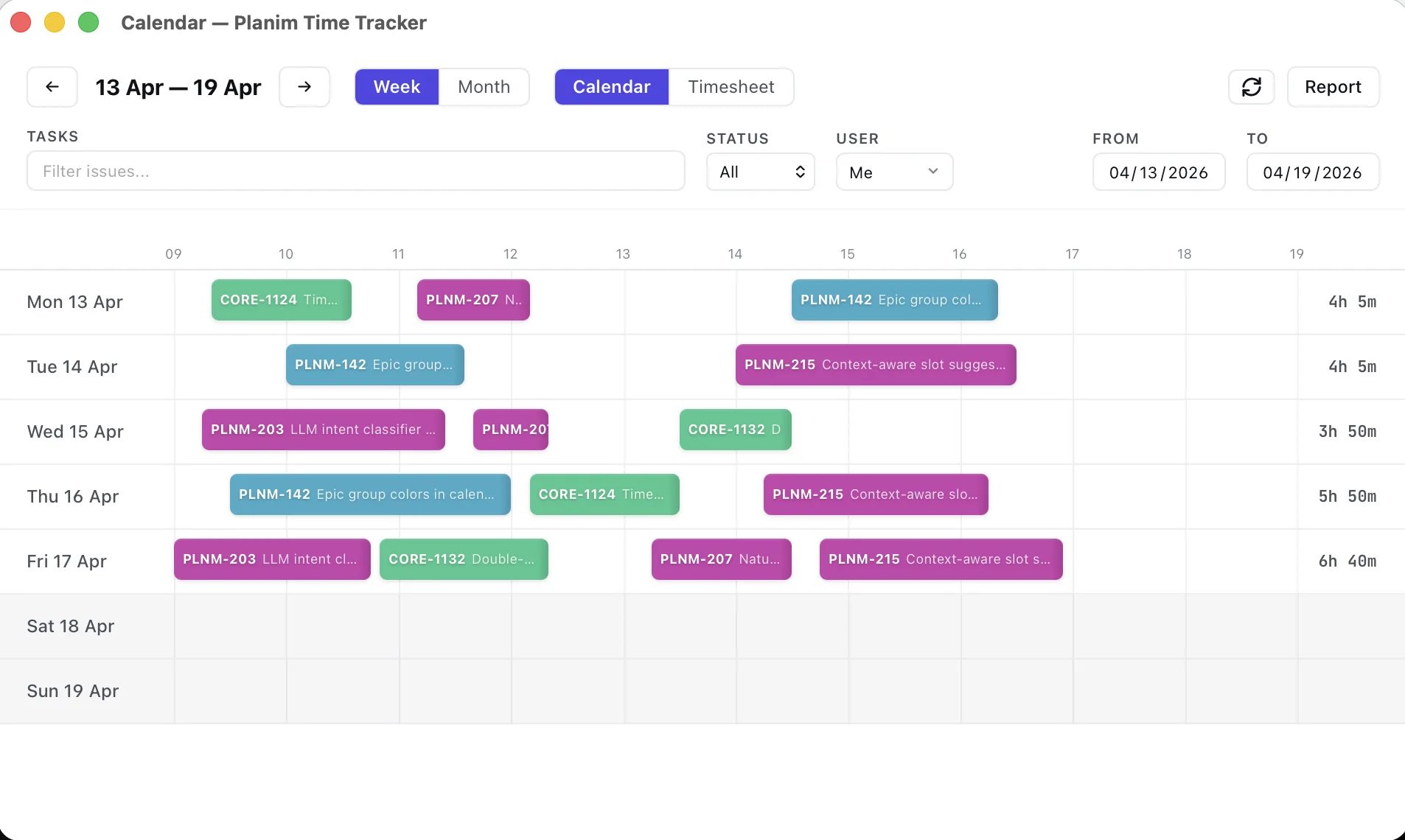
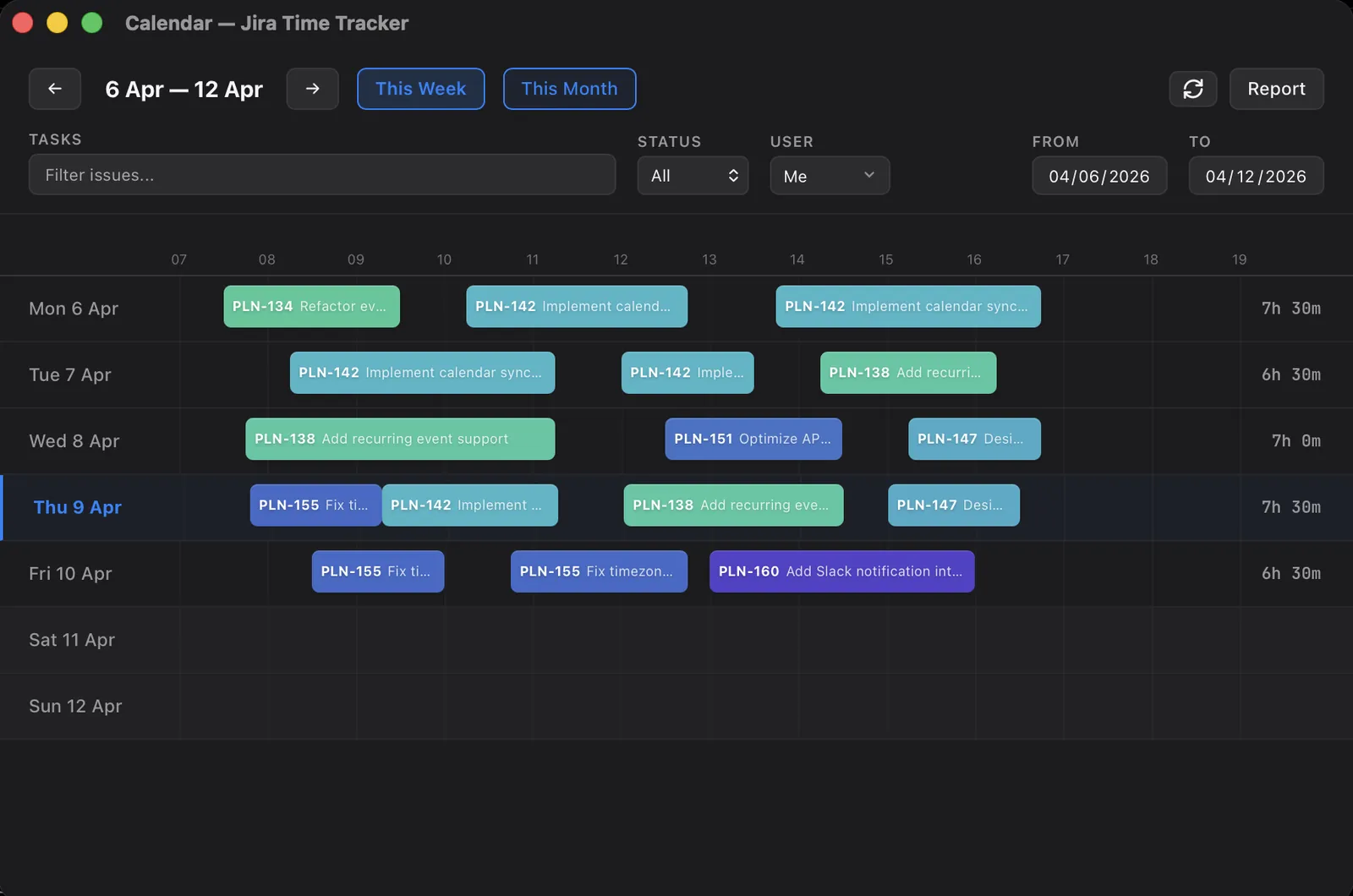
That’s the gap Planim Time sits in. It’s a native desktop app, a menu-bar or tray icon on macOS, Windows, and Linux. A tracked hour there is a play button and a Push, with no form in between: press play on the issue row, Stop when you are done, and Push posts that segment to the issue as an ordinary worklog. There is no timesheet in it to submit and nobody to approve one; for a team with no finance reader, that is most of what Tempo was charging for. The timer keeps running through a Jira outage, VPN hiccup, or flight. You sign in with Atlassian, and long-lived credentials live in the OS keychain. It does not need a Marketplace tenant install, though site authorization can still require an admin decision. The no-admin guide separates those gates. If you’re moving off Tempo specifically, the desktop-tracker version of that migration is in migrating from Tempo to a desktop tracker, and the wider shortlist lives in the best Jira time trackers for engineering teams in 2026. If it’s Tempo you’re replacing and the question is what to replace it with, Tempo Timesheets alternatives by use case sorts the candidates by what you actually use Tempo for.
Where Planim Time loses to Tempo Timesheets: no approvals or billable-time reports. Where it loses to the wider Tempo suite: no capacity or financial management. Where it loses to Clockwork: no leave or PTO module, no in-Jira timesheet surface. Where it wins against both: it’s still tracking when Jira isn’t.
Two oversimplifications worth dropping
The first is “Clockwork is just a cheaper Tempo.” It isn’t. Tempo is a finance product with a timer attached; Clockwork is a timer with a timesheet attached. Their live pricing bands change independently, and they solve different problems. Picking Clockwork only to save money on Tempo gets you a tool that doesn’t do budgets or invoicing, and if you actually needed those, you’ve made a worse choice.
The second is “they both store complete data in Jira, so switching is free.” They do not. Tempo Cloud keeps the full worklog in its own database and exposes only a basic anonymised Jira record; Clockwork has its own leave, PTO, and absence records. Export both systems’ product-specific data and test author attribution before treating the Jira worklog as a migration source.
Underneath both is a quieter mistake: “Tempo is for big teams, Clockwork is for small.” Roughly true on headcount, but the actual cutoff is the reader. A 5-person agency that bills clients hourly should still pick Tempo. A 60-person engineering team with no finance approver should still pick the lighter option.