Forgot to log time in Jira? A clean way to backfill worklogs
Forgot to log time in Jira? How to backfill worklogs for past dates using your calendar, git history, and the REST API, with honest rounding rules.
On this page
You forgot to log time in Jira, and now there’s a stretch of empty days behind you. The mechanics of fixing that are the easy part: Jira accepts worklogs for any past date, through the Date Started field in the Log Work dialog or the started field of the worklog API. The hard part is knowing what to enter, because the timer never got started and memory is already fuzzy about which afternoon went where.
This post is what to do when that happens, and how to leave yourself in better shape for next time; the second half of that is a timer that writes the worklog for you, and Planim Time is the one we build. The version of this post I’d want to read is the one that doesn’t pretend you can recover hours you didn’t record. You can recover most of them, defensibly, if you treat the reconstruction as evidence-gathering rather than guessing.
Three honest rules before you start
First, do this at the issue level, not the day level. The instinct is to say “Tuesday was nine hours, let me split it across the tickets I remember touching”. That instinct produces worklogs that don’t match what you actually did, and reviewers can usually feel it. Walk through each Jira issue and ask whether you touched it, when, and roughly how long. Add the hours up afterwards.
Second, log to the nearest 15 or 30 minutes, not the nearest minute. The Jira UI happily accepts 1h 23m, but no reconstruction is that precise, and the precision implies a confidence you don’t have. Rounding to a quarter hour is the convention most billable teams follow and the easiest to defend.
Third, write a worklog comment. Even one sentence. “Continued debugging the OAuth callback after pairing with R.” gives your future self, your manager, and any auditor enough context to understand what the time was for. Hours without comments age into noise.
Sources you can pull from
The trick to backfilling honestly is treating it like reconstructing a timeline from evidence. Everything below is evidence from outside Jira: commits, meetings, messages, files. Jira keeps its own parallel trail too (assignments, comments, status transitions), and reading that trail back is a method of its own, covered in rebuilding worklogs from your Jira activity. The external evidence is scattered across the tools you worked in:
Your calendar. Stand-ups, syncs, pairing sessions, customer calls. Every meeting block is a Jira issue or two of context. The 30-minute design sync on Wednesday morning was about a specific feature; find the issue.
Git history. Running git log --author="you@example.com" --since="last monday" --pretty=format:"%h %ad %s" --date=iso gives you an ordered, timestamped list of every commit you pushed. Branch names usually contain the Jira key. The gap between two commits on the same branch is roughly the time spent on that ticket, minus whatever you spent in Slack.
Your terminal. history shows recent commands with timestamps if your shell is set up to record them (HISTTIMEFORMAT in bash, setopt EXTENDED_HISTORY in zsh). For engineers who live in the terminal, the gaps and clusters in command history map onto blocks of focused work surprisingly cleanly.
Slack and pull request activity. Slack’s own message timestamps and the “edited” timestamps on PRs both anchor specific points in the day. A PR you opened at 10:42 on Wednesday is a marker. The thread of comments under it has timestamps on every reply.
Browser history. Less reliable, but useful when nothing else is. If you spent two hours on a vendor’s API docs, the history will show it.
Notes and scratchpad files. People underestimate this one. The file you last touched in your ~/notes directory probably has a sensible modification time, and editor-managed history (VS Code’s Timeline panel, Vim’s viminfo, JetBrains local history) often goes further back than you expect.
Pulling from two or three of these in parallel is usually enough to reconstruct a defensible week. The goal isn’t a perfect log. It’s a log you’d be willing to defend if someone asked.
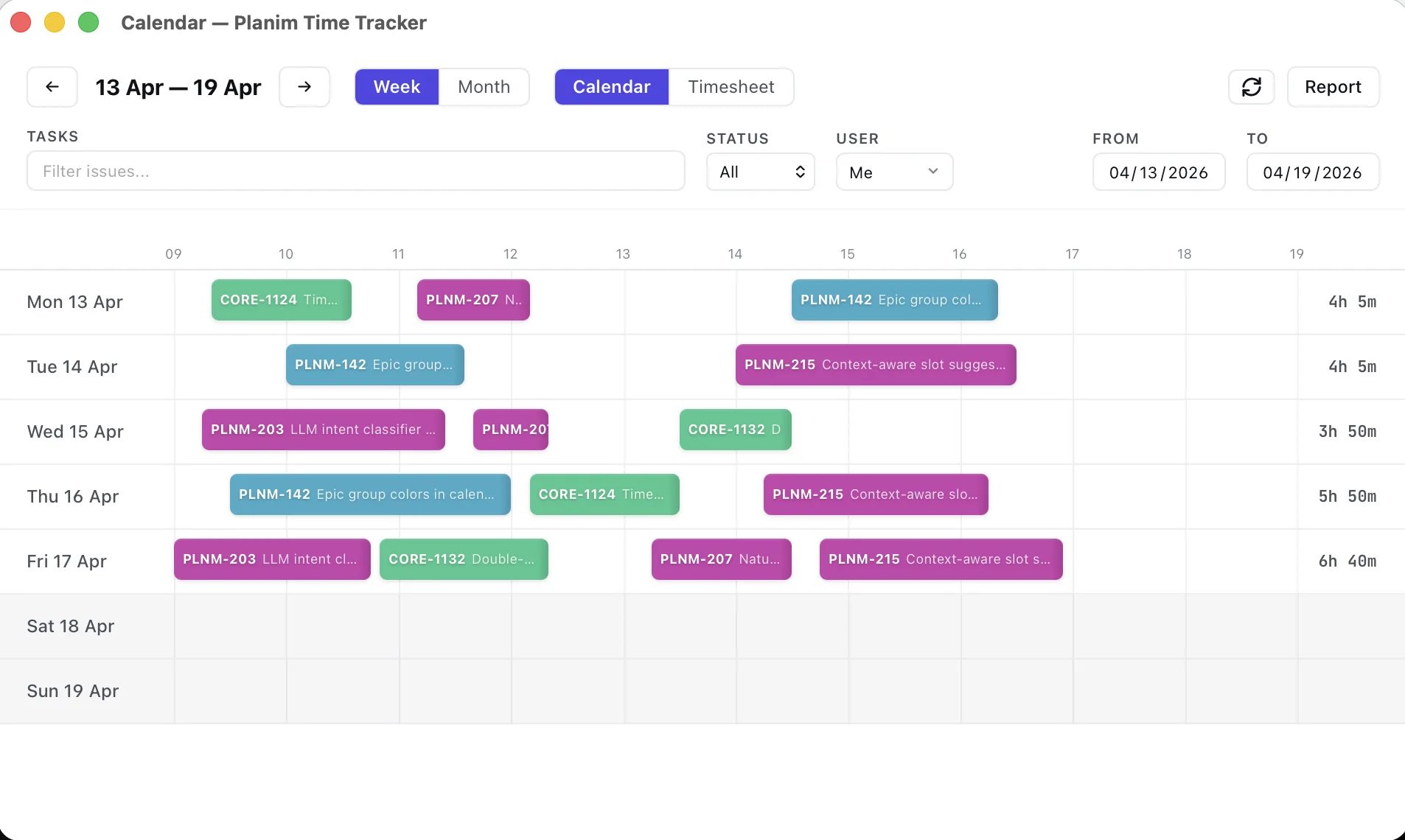
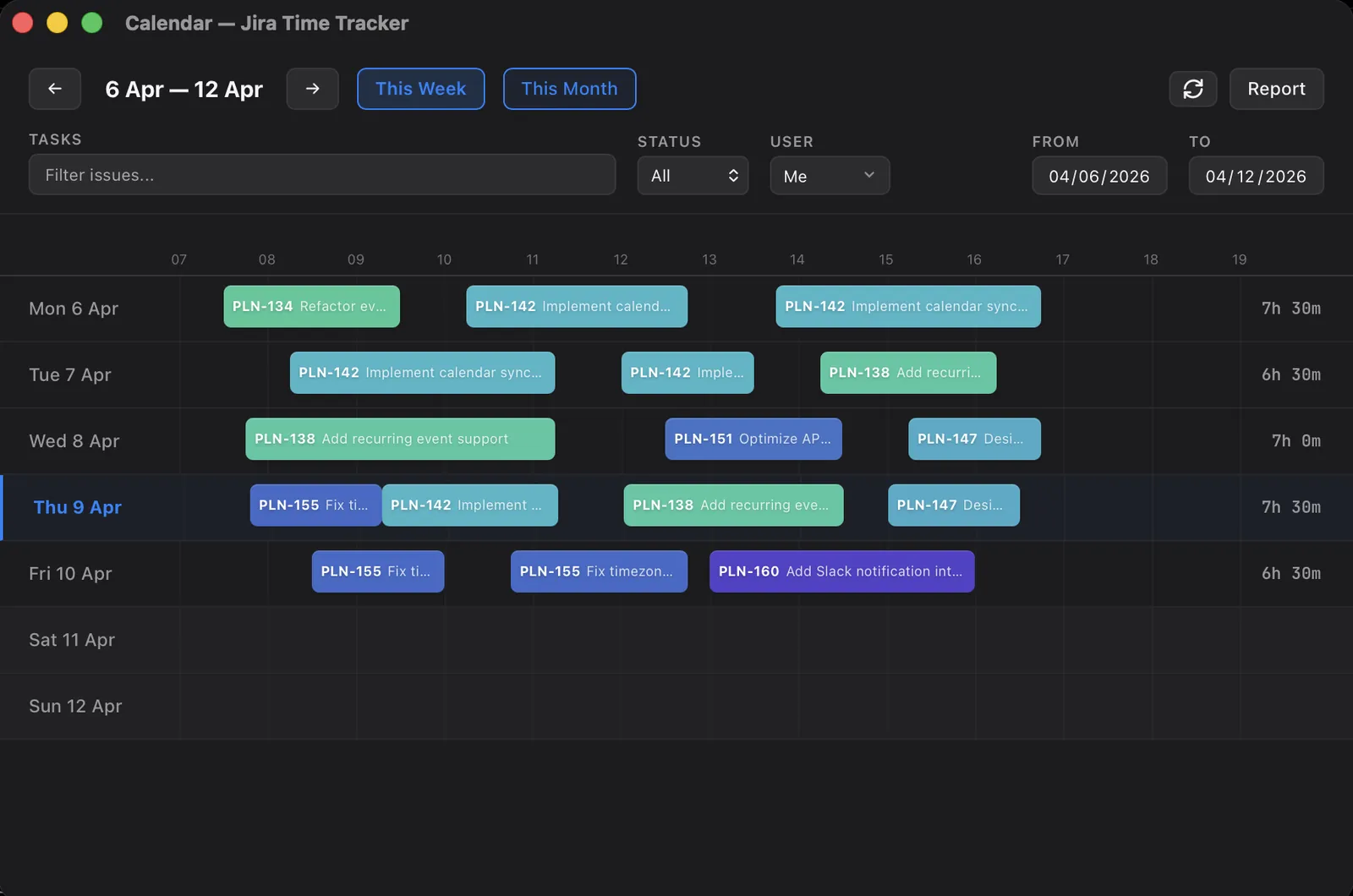
One of these sources a tool can read for you. Jira’s own trail is what Recent Work in Planim Time works from: it pulls the issues you commented on, moved, or edited that day, places each one on the calendar near the timestamp, and proposes a duration from the span of your activity. You correct the number, click Add, and Push sends it with that day’s started, not today’s (Pro). Git, Slack, and the calendar you still read yourself.
Logging through the Jira UI
The native form is at Issue → More → Log Work. You set:
- Time Spent. The duration, in Jira’s format (
2h 30m,1d,45m). - Date Started. When you started the work. Defaults to now. For backfill, change this to the actual date and time.
- Time remaining. The dropdown discussed in the post on Jira’s time fields, which controls how Remaining Estimate behaves. For backfill, “Leave estimate unchanged” is usually what you want. You’re recording history, not changing the plan.
- Description. The worklog comment. Write one.
The Date Started field accepts past dates without complaint, up to whatever your project’s worklog permissions allow. There’s no built-in cap on how far back you can log.
Logging through the REST API
For more than a handful of entries, the form is painful. Jira’s REST API takes a small JSON object per worklog:
curl -X POST \
  -H "Authorization: Bearer YOUR_TOKEN" \
  -H "Content-Type: application/json" \
  https://your-domain.atlassian.net/rest/api/3/issue/PROJ-123/worklog \
  -d '{
    "timeSpentSeconds": 5400,
    "started": "2026-05-12T09:30:00.000+0000",
    "comment": {
      "type": "doc",
      "version": 1,
      "content": [{"type": "paragraph", "content": [{"type": "text", "text": "Pair-debugging the rate limiter."}]}]
    }
  }'
The started field is an ISO 8601 timestamp with timezone. Jira stores it in UTC internally and displays it in the viewer’s local zone. The comment field has to be Atlassian Document Format, not plain text, which is the part of the API most scripts get wrong on the first try.
For a week of backfill, this is overkill. For a month, it’s the only reasonable path.
Permissions, in case the UI fights you
Two things commonly stop people: project permission and worklog visibility. To log work on an issue you need the Work On Issues permission. To edit someone else’s worklog (rare during backfill, common when correcting a teammate’s) you need Edit All Worklogs. To log against a closed issue you sometimes need the issue reopened, or you need Edit Issues on the closed status.
Visibility is the other gotcha. Each worklog can be restricted to a role or group, which means a worklog you logged yesterday might already be invisible to the manager you’re trying to surface it for. Check the visibility chip on each entry if your numbers don’t match what someone else sees in the same report.
What to do tomorrow
The worst hour of any backfill is the second one, when you’re staring at Tuesday afternoon trying to remember whether you spent more time on the OAuth bug or on the migration script. The hour after that is fine. The honest fix is to make Tuesday afternoon’s hours visible to you on Wednesday morning, so that by Friday you’re not guessing.
Three patterns work for that, depending on how disciplined you want to be:
- Daily review at the end of the day. Five minutes, anywhere. Open Jira, log the day, close it. People who do this don’t end up in Friday backfill panics. They also rarely keep it up past three weeks without external scaffolding.
- A timer that runs in the background. Menu-bar app, browser extension, terminal command. Picks up the issue from a JQL query or a hotkey. Pushes worklogs to Jira on stop. The point isn’t the timer itself, it’s not having to remember anything at the end of the day. In Planim Time the entry is dated by the timer, not by the Push: run it on Tuesday, press Push on Friday, and the worklog still says Tuesday. The timer and sync are free. There are others on the longer comparison post.
- Calendar-first tracking. Block out time on your calendar for the issue you’re about to work on, then push the calendar block to Jira. Works well if your team already lives in the calendar, and badly if you bounce between issues every fifteen minutes.
How to choose between a live timer, calendar reconstruction, and a weekly grid, and what each does to the quality of the resulting worklog, is a comparison of its own.
The reason this matters less than it used to is that the cost of running a background tracker has dropped a lot. The Rust and Swift menu-bar apps shipping in 2026 use a fraction of a percent of CPU and don’t show up in your battery report. There’s no real performance argument against keeping one running, which is mostly what the argument used to be. What’s left is the question of whether you want one vendor’s cloud holding your hours or whether the worklogs go straight onto the Jira issue. I covered that part in a separate post on token storage.
A short version
If you’ve already opened Jira and Tuesday is empty:
- Pull a list of issues you might have touched: git log, your calendar, Slack DMs, PR activity. Don’t trust memory alone.
- Walk issue by issue, not day by day. Round to 15 or 30 minutes.
- Add a one-line comment to every worklog. Future-you will thank you.
- Set the Date Started field. Leave Remaining Estimate unchanged.
- If it’s more than a handful of entries, use the REST API rather than the form.
Backfill is one of those problems where the right answer is to not need the answer. The cleanest log is the one that was already there when you opened Jira at four on Friday.