Jira worklog REST API guide: endpoints, bulk, 400 errors
Add, read, edit and delete worklogs through the Jira Cloud REST API, pull them in bulk with worklog/updated, and fix the two formats behind most 400 errors.
On this page
To log work in Jira Cloud from code you POST to one endpoint: POST /rest/api/3/issue/{issueIdOrKey}/worklog. The body needs two fields that trip up nearly everyone the first time. timeSpentSeconds is an integer (use timeSpent instead if you want the 1h 30m string form). started is an ISO 8601 timestamp that Jira accepts in exactly one shape: 2026-05-29T14:30:00.000+0000, with milliseconds and a numeric offset, no trailing Z. Get those two right and the rest of the worklog API is small and predictable.
Building Planim Time, a tracker whose entire job is pushing and pulling worklogs through this API, we’ve watched this endpoint return a 400 for every reason it has one. This post is the Jira Cloud map: authentication, the four CRUD endpoints, the bulk endpoints almost nobody documents, and rate limits. If you just want to log time by hand or with JQL, the three native ways to log work cover that. This is the version for when no human is pressing Save.
The base URL and authentication
Jira Cloud uses the base path /rest/api/3 on your https://your-domain.atlassian.net site. Authenticate with HTTP Basic, where the username is your account email and the password is an API token from id.atlassian.com (not your login password). With curl that is -u "you@example.com:$JIRA_TOKEN".
One note that saves an afternoon: the worklog author is always the authenticated account. There is no author field you can set on create to log time on someone else’s behalf. If you need that, you need each person’s own token, or an app with impersonation scopes, not a single service account.
Adding a worklog (POST)
The full endpoint, with the one query parameter worth knowing on day one:
POST /rest/api/3/issue/{issueIdOrKey}/worklog?adjustEstimate=leave
adjustEstimate is how the API expresses the remaining-estimate dropdown from the worklog dialog. It takes auto (the default, subtracts what you logged), leave (touch nothing), new (requires a newEstimate parameter), or manual (requires reduceBy). Omit it and you get auto, which silently changes the issue’s Remaining Estimate on every call. On a scripted integration that is rarely what you want, so set it deliberately.
The Cloud body, with the comment in Atlassian Document Format:
curl -X POST \
  -u "you@example.com:$JIRA_TOKEN" \
  -H "Content-Type: application/json" \
  "https://your-domain.atlassian.net/rest/api/3/issue/TT-42/worklog?adjustEstimate=leave" \
  -d '{
    "timeSpentSeconds": 3600,
    "started": "2026-05-29T14:30:00.000+0000",
    "comment": {
      "type": "doc", "version": 1,
      "content": [{"type": "paragraph",
        "content": [{"type": "text", "text": "Reviewed the auth PR"}]}]
    }
  }'
That ADF comment is the part everyone hates. On Cloud a plain "comment": "Reviewed the auth PR" is rejected, because the rich-text fields moved to a structured document model. The minimal valid shape is the doc / paragraph / text nesting above. You can omit comment entirely if you have nothing to say.
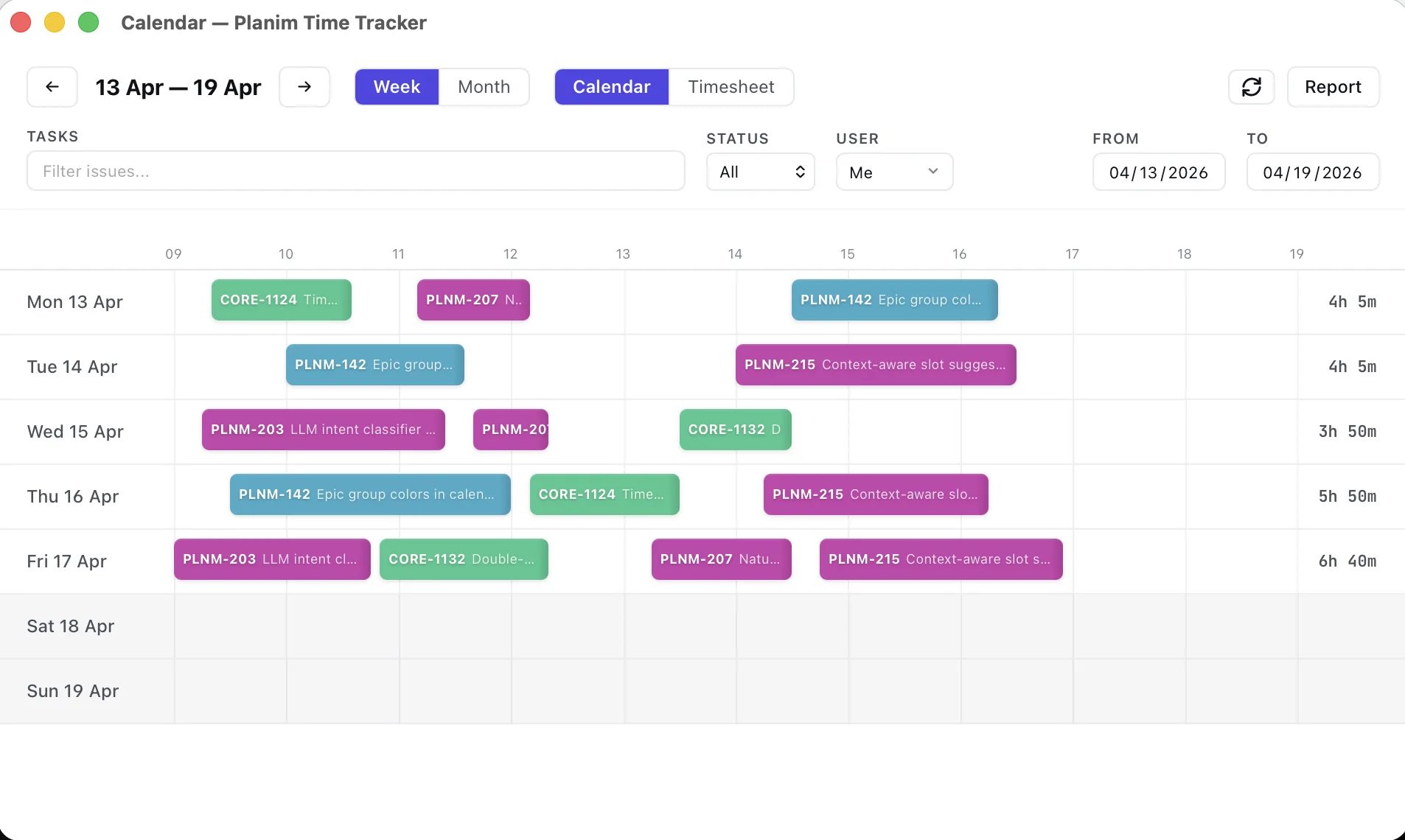
If the only reason you are scripting this endpoint is to log your own hours faster, this request is the part Planim Time already does for you: the timer’s real start becomes started in exactly that shape, the comment is typed as plain text and wrapped into ADF on push, and what lands in Jira is an ordinary worklog under your own account. The free tier covers the timer and the push.
The same call from Python, where most real integrations live:
import requests

resp = requests.post(
    "https://your-domain.atlassian.net/rest/api/3/issue/TT-42/worklog",
    params={"adjustEstimate": "leave"},
    auth=("you@example.com", JIRA_TOKEN),
    json={
        "timeSpentSeconds": 3600,
        "started": "2026-05-29T14:30:00.000+0000",
        "comment": {
            "type": "doc", "version": 1,
            "content": [{"type": "paragraph",
                "content": [{"type": "text", "text": "Reviewed the auth PR"}]}],
        },
    },
)
resp.raise_for_status()
print(resp.json()["id"])   # the worklog id you will need for edits
If the POST fails, check the started format and the ADF comment shape first. A missing Work on issues permission returns 403; a missing Browse projects permission can make an existing issue look like a 404.
Reading worklogs (GET)
Two read shapes cover almost everything: all worklogs on an issue, and one worklog by id.
curl -u "you@example.com:$JIRA_TOKEN" \
  "https://your-domain.atlassian.net/rest/api/3/issue/TT-42/worklog?startAt=0&maxResults=100"
The response wraps the entries in a paged envelope: startAt, maxResults, total, and a worklogs array. Each entry carries id, author, timeSpentSeconds, started, the comment, and a server-set updated timestamp. The pagination matters on long-running issues, because Jira will not hand you thousands of worklogs in one response. Walk it until you have seen total:
def issue_worklogs(key):
    start, out = 0, []
    while True:
        page = requests.get(
            f"{BASE}/issue/{key}/worklog",
            params={"startAt": start, "maxResults": 100},
            auth=AUTH,
        ).json()
        out += page["worklogs"]
        start += page["maxResults"]
        if start >= page["total"]:
            return out
For a single entry, append its id: GET /issue/TT-42/worklog/100023. There are also startedAfter and startedBefore query parameters (epoch milliseconds) if you only want a date window, which is handy for backfilling a specific period without pulling an issue’s entire history.
Updating and deleting (PUT and DELETE)
Edits and deletes share the same path as the read, with the worklog id on the end, and they accept the same adjustEstimate parameter as the create. That symmetry is the nice part of this API.
# Bump a logged hour to 90 minutes, leave the remaining estimate alone
curl -X PUT \
  -u "you@example.com:$JIRA_TOKEN" \
  -H "Content-Type: application/json" \
  "https://your-domain.atlassian.net/rest/api/3/issue/TT-42/worklog/100023?adjustEstimate=leave" \
  -d '{"timeSpentSeconds": 5400}'

# Delete it and hand the time back to Remaining
curl -X DELETE \
  -u "you@example.com:$JIRA_TOKEN" \
  "https://your-domain.atlassian.net/rest/api/3/issue/TT-42/worklog/100023?adjustEstimate=auto"
Two permissions gate this. Editing or deleting your own entries needs the Edit own worklogs / Delete own worklogs project permission; touching someone else’s needs the all variant. A locked-down project can let a token add worklogs but refuse to let it correct them, and you find out only at PUT time.
The bulk endpoints almost nobody documents
Everything above is per-issue. The moment you want to mirror a whole instance, sync to a local store, or feed a reporting pipeline, per-issue polling falls apart. You would have to know every issue in advance and GET each one. Jira has three instance-level endpoints for exactly this, and they are the least-documented corner of the worklog API.
GET  /rest/api/3/worklog/updated?since={epochMillis}
GET  /rest/api/3/worklog/deleted?since={epochMillis}
POST /rest/api/3/worklog/list
worklog/updated answers “which worklogs changed since timestamp T”, across the whole instance, no issue keys required. It does not return the worklogs themselves, only their IDs, paged up to 1000 at a time with a cursor:
{
  "values": [{"worklogId": 100023, "updatedTime": 1748391000000}],
  "since": 1748390400000,
  "until": 1748391000000,
  "lastPage": true,
  "nextPage": "https://your-domain.atlassian.net/rest/api/3/worklog/updated?since=1748391000000"
}
You walk nextPage until lastPage is true, collecting IDs, then hydrate them in batches through worklog/list, which takes up to 1000 IDs per POST:
def changed_since(since_ms):
    ids, url = [], f"{BASE}/worklog/updated?since={since_ms}"
    page = {}
    while url:
        page = get(url).json()                       # get() handles 429, below
        ids += [v["worklogId"] for v in page["values"]]
        url = None if page["lastPage"] else page["nextPage"]
    return ids, page["until"]                          # keep until as the next cursor

def hydrate(ids):
    out = []
    for i in range(0, len(ids), 1000):                # worklog/list caps at 1000 ids
        resp = requests.post(f"{BASE}/worklog/list",
                             json={"ids": ids[i:i + 1000]}, auth=AUTH)
        out += resp.json()
    return out
worklog/deleted has the identical shape and exists because a sync cursor cannot see deletions any other way: a worklog that vanished from an issue produces no “update”, so without this tombstone feed your local copy keeps a row Jira no longer has. Poll both on the same cursor.
This is the machinery underneath two-way sync, and it is more work than a simple push. We poll these endpoints rather than require a webhook-enabled tenant app. Planim Time authenticates as the user through Atlassian OAuth, then applies conflict-resolution rules on top of the API. Those rules, and where they still slip, are in the separate post on two-way worklog sync; this section is just the endpoints it stands on.
Rate limits and the errors you will actually hit
Cloud does not publish a fixed requests-per-minute number. It runs a dynamic, cost-based budget, and when you exceed it you get 429 Too Many Requests with a Retry-After header in seconds. The only correct behaviour is to read that header and wait. In our sync passes the budget is not generous, so a bulk hydrate of a few thousand IDs will hit 429 on a busy workspace and you must back off rather than hammer:
import time

def get(url):
    while True:
        r = requests.get(url, auth=AUTH)
        if r.status_code == 429:
            time.sleep(int(r.headers.get("Retry-After", 5)))
            continue
        r.raise_for_status()
        return r
The errors worth recognising on sight:
- 400 with no useful body. Usually a malformed ADF comment or
startedtimestamp. Jira Cloud can’t have time tracking switched off, so start with the payload. - 500 on create. Check the timestamp and payload shape first, then retry once before treating it as a transient Jira failure.
- 403. A permission issue: missing Work on issues to create, or the Edit/Delete worklogs permission to modify.
- 404 on an issue that exists. The token’s account cannot browse that project, so Jira hides the issue rather than admitting it is there.
- 429. Back off using
Retry-After, as above.
Where the API stops being worth it
The API is the right tool when there is no human in the loop: a CI job logging build time, a nightly billing export, a tracker mirroring worklogs into its own store. It is the wrong tool for logging your own afternoon, where the worklog dialog is faster than any script, and a poor fit for “how many hours did the team log this sprint”, which the built-in time tracking reports answer without code.
And if you find yourself writing a polling loop over worklog/updated to keep a local copy honest, that is a tracker you are building. We built Planim Time so you would not have to. Either way, the endpoints above are the whole surface, and now you know which 400 means what.