Tempo Timesheets alternatives in 2026, by use case
Honest shortlist of Tempo alternatives organised by what your team actually needs: simpler timers, lighter PSAs, in-Jira plugins, or monitoring tools.
On this page
If you’re shopping for an alternative to Tempo Timesheets, you’re probably in one of three situations. Tempo has gotten too expensive at your seat count, the workflow has accumulated more PSA features than your team needs, or you’ve inherited Tempo and you can’t tell what it’s doing for you that a simpler tool wouldn’t.
This post is the shortlist I’d give a friend in any of those three situations, organised by what the team actually needs the tracker to do. Planim Time is in the first group below, and the other groups exist because it is the wrong answer for them; this writeup says which ones and when. If you’ve already decided to leave Tempo and you’re looking for the mechanics, the migration playbook is the right post; this one is for picking the destination.
Tempo’s prices and tier structure move; the product and integration facts below were re-checked on 22 July 2026. Re-verify each vendor’s pricing page before signing anything.
What Tempo actually does
Useful to name, because the alternatives split along these features:
- Worklog capture. A timer or manual entry that pushes time onto Jira issues. Every Jira tracker does this part, with varying degrees of friction.
- Timesheets and approvals. Weekly views, manager approval workflows, lock-after-approval. Common in companies that bill clients or that have SOC 2 controls around time tracking.
- Accounts and budgets. Multi-project rollups, customer accounts that span Jira projects, contract caps and revenue recognition.
- Capacity planning. Forecasting team capacity, availability calendars, allocations.
- PSA workflows. The whole professional-services-automation stack: rate cards, billable vs non-billable, invoicing, revenue forecasts.
A team using Tempo for the first two features is paying Tempo prices for the last three. A team that genuinely uses the last three would struggle to replace Tempo with anything in this list. Decide which group you’re in before you start shortlisting.
If you want a simpler timer, not a PSA
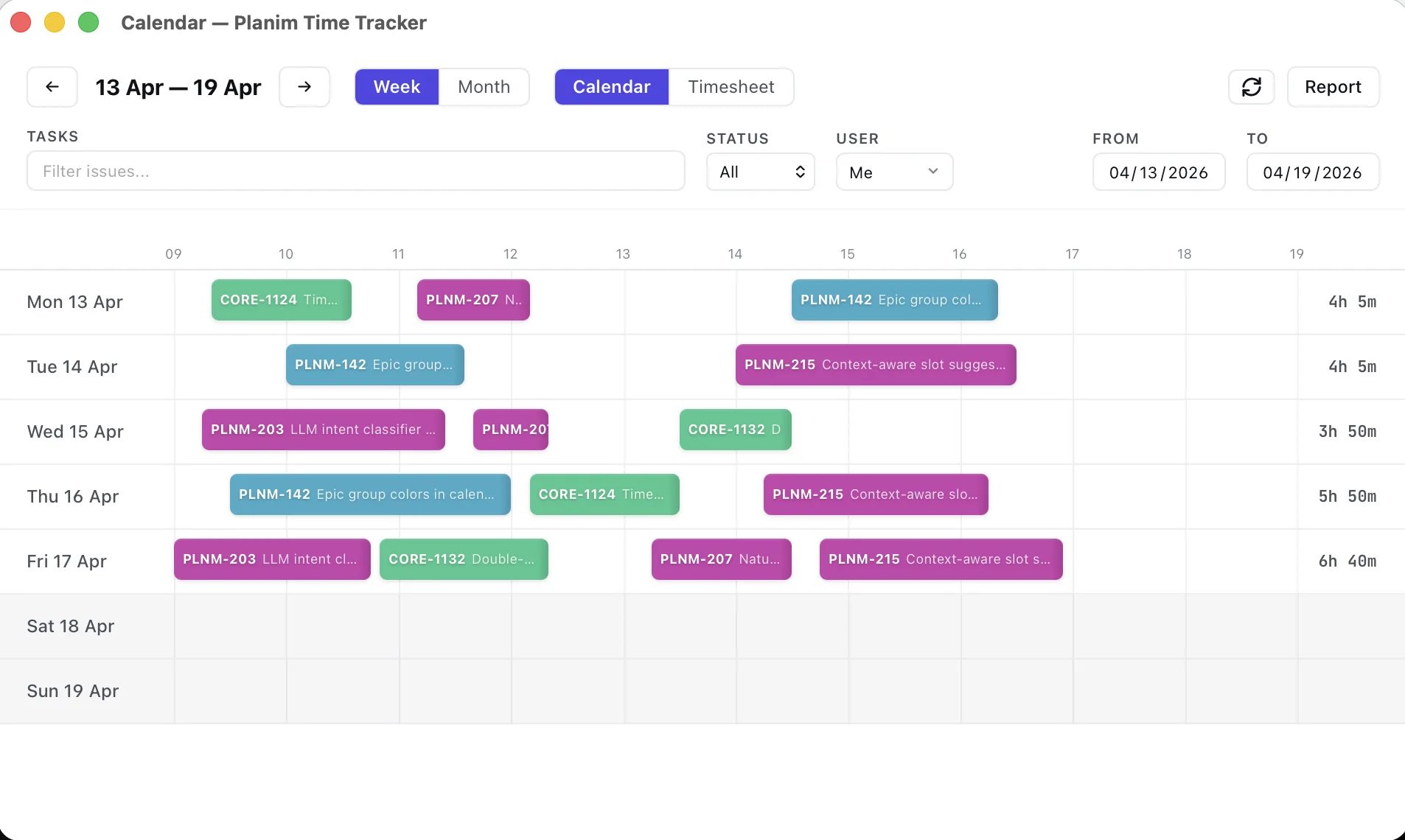
Planim Time. Free tier with two-way Jira worklog sync, no user cap, and no time limit. Pro is $10 monthly or $8 monthly with annual billing for one person. Team is bulk-priced Pro at $8 per seat monthly or $7 annual, with a two-seat minimum. Sign in with Atlassian is the default and does not install a Marketplace app; site authorization can still depend on organization policy. Day to day it is a tray timer: you start it on the task, stop it, and Push sends the entry to Jira as a worklog under your own name, so there is no second database to migrate out of later. Grab the download if that is the shape you are testing. Best fit for engineers who want clean Jira worklogs without the timesheets-and-approvals layer. The head-to-head page has the feature matrix, and the no-admin guide explains the policy boundary.
Clockwork. Lives inside Jira as a Marketplace plugin. Free up to ten users on Cloud, paid above that on per-Jira-user pricing. Closest to Tempo in shape (Marketplace plugin, in-Jira UI) and the cleanest swap if your team’s main complaint about Tempo is the price, not the model. See the Clockwork comparison for where it lands feature by feature.
Clockify. Free for up to five users. Its free Marketplace app for Jira Cloud requires a Jira admin and documents two-way sync between Clockify entries and Jira worklogs. Paid tiers add approvals, invoicing, and planning features. Best for teams that need mobile or multi-tool tracking and accept Clockify as a parallel cloud system. Clockify comparison. If your decision comes down to Clockify against Tempo head-on, see Clockify vs Tempo for Jira.
If you do want a PSA, just not Tempo’s PSA
This is the harder cut, and most of the cheaper alternatives don’t qualify.
Everhour. Closer to Tempo on the billing-and-budgeting axis than any free tracker is. Starts around $8.50 per seat per month on annual billing with a five-seat minimum. The Jira integration is solid, the budgeting and client billing workflows are real, and it sits naturally next to your Jira without trying to be your Jira. Best for an agency or consultancy that bills clients out of Jira issues. Everhour comparison.
Tempo Cost Tracker itself, as a standalone, if it’s the cost piece you actually use. Tempo unbundled the PSA features into a separate product line some time ago, and a few teams find that the smaller bundle costs less than the full Timesheets seat. Worth pricing if you’re already on Tempo and the renewal conversation is what brought you here.
If you came for the monitoring features
Tempo doesn’t really do this part, but if you ended up on Tempo because it was the only Jira tracker your manager could find and the actual ask was “I want to see what the team is doing”, Tempo isn’t what you want either.
Hubstaff. Screenshots, activity scoring, app and URL capture, optional GPS. Two-seat minimum, paid tiers starting at $4.99 per seat on the Starter tier, though the Jira integration only turns on from the Grow tier ($7.50 per seat on annual billing). Different category of product from Tempo, and worth being clear with yourself about whether monitoring is what you want. The privacy and morale costs are real; I wrote a longer piece on this. Hubstaff comparison.
If your team already uses Toggl
Toggl Track. Real free tier, perfectly fine for arbitrary time tracking. The Jira-instead-of-Tempo story isn’t its strength: first-party Jira Sync is one-way (Jira to Toggl, never the other direction) and lives on the paid Premium tier. Below that, the integration is a browser extension. If your team has already standardised on Toggl across non-Jira projects, the cleanest path is to keep Toggl for those and pick a Jira-native tracker just for Jira. If the question is whether to migrate from Tempo to Toggl wholesale, the answer is usually no. Toggl comparison.
What you’ll feel missing
Whichever tracker you pick, there are pieces of Tempo most teams don’t realise they were using until they’re gone:
Tempo accounts. Custom rollups of Jira projects under a single billable account, especially handy when one client has work spread across multiple Jira projects. Most lighter alternatives don’t have an equivalent. You’ll need to do the rollup in your reporting tool instead.
Tempo plan view. The capacity planning UI, with team allocations across weeks. Replaceable with calendar tooling for most teams, but not as one piece.
Tempo approvals. Manager-locks-the-timesheet workflows. Clockify, Everhour, and Clockwork all have a version of this; lighter trackers like Planim Time don’t, on purpose.
Tempo’s accounts integration with Jira Service Management. If your team logs time on JSM tickets and rolls them into customer accounts, this is a Tempo-specific workflow that almost nothing else in the Jira ecosystem replicates.
The migration cost is dominated by these gaps, not by the worklog data itself. Worklogs export and re-import. The accumulated workflow around them doesn’t.
How to shortlist, fast
Three questions:
- Do you bill clients out of Jira? If yes, shortlist Everhour and Tempo Cost Tracker. If no, go to question 2.
- Are timesheet approvals a compliance requirement? If yes, shortlist Clockify, Clockwork, or stay on Tempo. If no, go to question 3.
- Does the team mostly want a timer that puts hours on the right Jira issue? If yes, shortlist Planim Time and Clockwork.
The cheapest defensible move is usually the one that matches your real workflow rather than Tempo’s full feature set. A solo engineer moving to $10/month Pro, or a team moving to bulk-priced seats, is not finding a discounted Tempo clone. They are choosing a smaller product because the PSA layer was never part of the job.
If you’ve narrowed it down and want to think through the actual data migration, the playbook for moving worklogs out of Tempo is the next thing to read.