Tracking Jira time without screenshots or activity scores
What screenshot-heavy Jira trackers capture, the morale, legal, and security costs of it, and the case for a timer that records hours and nothing else.
On this page
There are two kinds of time tracker on the market. One kind records that you spent ninety minutes on JIRA-1042 and pushes that worklog to Jira. The other kind records the ninety minutes, plus a screenshot every ten minutes of what was on your screen, plus the percentage of those minutes you were actively typing or clicking, plus the list of every application you opened, plus, in some configurations, the URL of every tab in your browser. Both call themselves Jira time trackers. Both ship in the same shortlist when an HR manager asks for one.
Planim Time is one of them, the kind that doesn’t take screenshots. I want to lay out, plainly, why we don’t, what the other approach actually produces, and where I think each one belongs.
The two genres, and why they coexist
“Time tracker” stopped being one product around 2015 or so. Hubstaff, Time Doctor, ActivTrak, DeskTime, Insightful and a dozen others built a category around the second model, and they did it because there was a real market: agencies billing hourly to clients who wanted proof, BPOs managing thousands of distributed contractors, support teams whose customers expected evidence of work. Screenshots and activity scoring are a real product feature for those buyers. The market for them isn’t manufactured.
The first model, the one without screenshots, was the older shape: Tempo, Toggl, Clockify, Everhour, Harvest. Those were sold to agencies and consultancies too, but as accounting tools, not surveillance tools. The hours were what got billed; the evidence was the manager’s signature on a timesheet.
Both genres still exist, and both sell to engineers. The category collision is the problem. An engineering manager looking for “Jira time tracker for our team” lands on a list that contains both genres, and the pricing pages don’t make the distinction loud. A tool that records hours is, on the comparison page, indistinguishable from a tool that records the hour and the screen and the keystroke count.
What “monitoring” trackers actually record
Worth being concrete about the surface area, since the marketing language obscures it.
A typical screenshot-heavy tracker, installed and running on an engineer’s machine, will record some combination of:
- Screenshots. Usually full-screen, sometimes at randomised intervals (every three to ten minutes), sometimes triggered by idle. Stored on the vendor’s cloud, viewable by the manager who installed the tool.
- Application and window titles. Every application you bring to the foreground, with timestamps and durations. Often visualised as a productivity heat-map.
- URL capture. Every URL you visit in supported browsers (typically Chrome, Edge, sometimes Firefox with a plugin). This includes the URLs of internal admin tools and customer support tickets you’re reading, and in some cases the contents of your address bar before you’ve hit enter.
- Keystroke and mouse rates. Not the actual keys pressed (most respectable tools stop short of full keylogging), but the rate of presses per minute. This is what’s surfaced as “activity %” in the dashboard.
- Idle detection. If you stop typing for five or ten minutes, the timer pauses and, depending on configuration, prompts you to either keep or discard the idle interval.
- GPS, in some configurations. Mobile clients on Hubstaff and similar will record location every few minutes if enabled.
Some products let admins turn pieces of this off. Most ship with the full stack on by default during trial, because the trial is the part that convinces the manager to buy.
What this data is used for, in practice
Three claims and three realities, in my experience.
Claim: Screenshots prove the work was done. Reality: They prove something was on the screen. A senior engineer thinking through a system design problem, away from the keyboard for an hour, will get worse activity scores than a junior engineer reformatting a slide. The metric measures motion, not output. Every engineering manager who’s run a screenshot tracker for six months will tell you the dashboard mostly produces false negatives.
Claim: Activity percentage helps managers identify under-performers. Reality: It identifies people who type a lot, which is correlated with output in some roles (transcriptionists, copywriters) and inversely correlated in others (architects, code reviewers, anyone who reads more than they write). Engineering management that leans on this metric tends to push the team toward shallow, typing-heavy work; the deep work that earns the salary happens off the dashboard.
Claim: App and URL capture catches misuse. Reality: It surfaces every URL, including the ones nobody wanted to surface. Health portal logins. Job search activity. Personal email. Conversations between an engineer and their union rep. None of this is “misuse”; all of it is now in the vendor’s database and your manager’s history, and once it’s recorded, it’s recorded.
There are workflows where the data really is load-bearing: per-screenshot client invoicing in some agency models, regulated industries with audit requirements. Those are the buyers the monitoring tools were originally built for. An engineering team logging Jira worklogs is not that buyer, and treating it as if it were creates harm without producing the upside.
The morale cost is real, and it’s not a soft factor
Three months after a monitoring tracker rolls out, two things happen, predictably. The activity-conscious engineers learn to game the metric: mouse jiggler, second keyboard, a script that types lorem ipsum in a hidden window. The activity-honest engineers, the ones who refuse on principle, start interviewing.
This isn’t speculation. HBR covered it through the post-pandemic monitoring boom. Academic literature on workplace surveillance has been making the same point for fifteen years. And the engineers I talk to in our own user research mention it unprompted, every time we ask about why a previous tracker got ripped out. The vendors that sell these tools know this; they just don’t put it on the pricing page.
If your retention spreadsheet matters, the cost of a monitoring tracker isn’t the subscription fee. It’s the cost of the two engineers who quit because of it.
The legal cost is real, and varies by where you sit
If your engineers are in the EU, or your customers are in the EU, screenshot-heavy tracking is GDPR territory. The data collected is personal data. The legal basis (consent, legitimate interest) is contestable, and consent obtained as a condition of employment is in many EU jurisdictions not freely given, and therefore not valid. Works councils in Germany have strong co-determination rights over employee monitoring under BetrVG §87 and have, in practice, blocked these rollouts. Equivalent bodies in France (the CSE) and Italy (under Article 4 of the Workers’ Statute) have formal consultation or agreement rights that change what a monitoring rollout costs you to land.
If you’re a remote-first company employing across borders, the calculation gets harder. You’re either running one tracker globally that is illegal in some of the jurisdictions your engineers sit in, or you’re running two trackers for two cohorts, which nobody wants to administer. The path of least legal exposure is a tracker that doesn’t record this data in the first place.
I am not a lawyer. The above is general; if you’re rolling out monitoring software in an EU jurisdiction, ask one.
The security cost most teams don’t model
A screenshot taken every five minutes of an engineer’s monitor captures, eventually:
- An API token in a config file that was open in an editor.
- A Slack DM with a one-time password.
- A
.envfile with database credentials. - A draft of a security incident report.
- Customer PII visible in a debugging session.
- An auth cookie value in browser dev tools.
These screenshots live on the vendor’s cloud. The vendor’s cloud has its own auth model, its own breach history, and its own employees with admin access. Adding a screenshot tracker to your stack adds a second copy of every credential and secret that’s ever briefly been on an engineer’s screen, stored at a third party your security team didn’t originally onboard. I wrote a longer post on the related question of where Jira time trackers store your API token; the screenshot question is the bigger version of the same problem.
What a Jira tracker without monitoring records
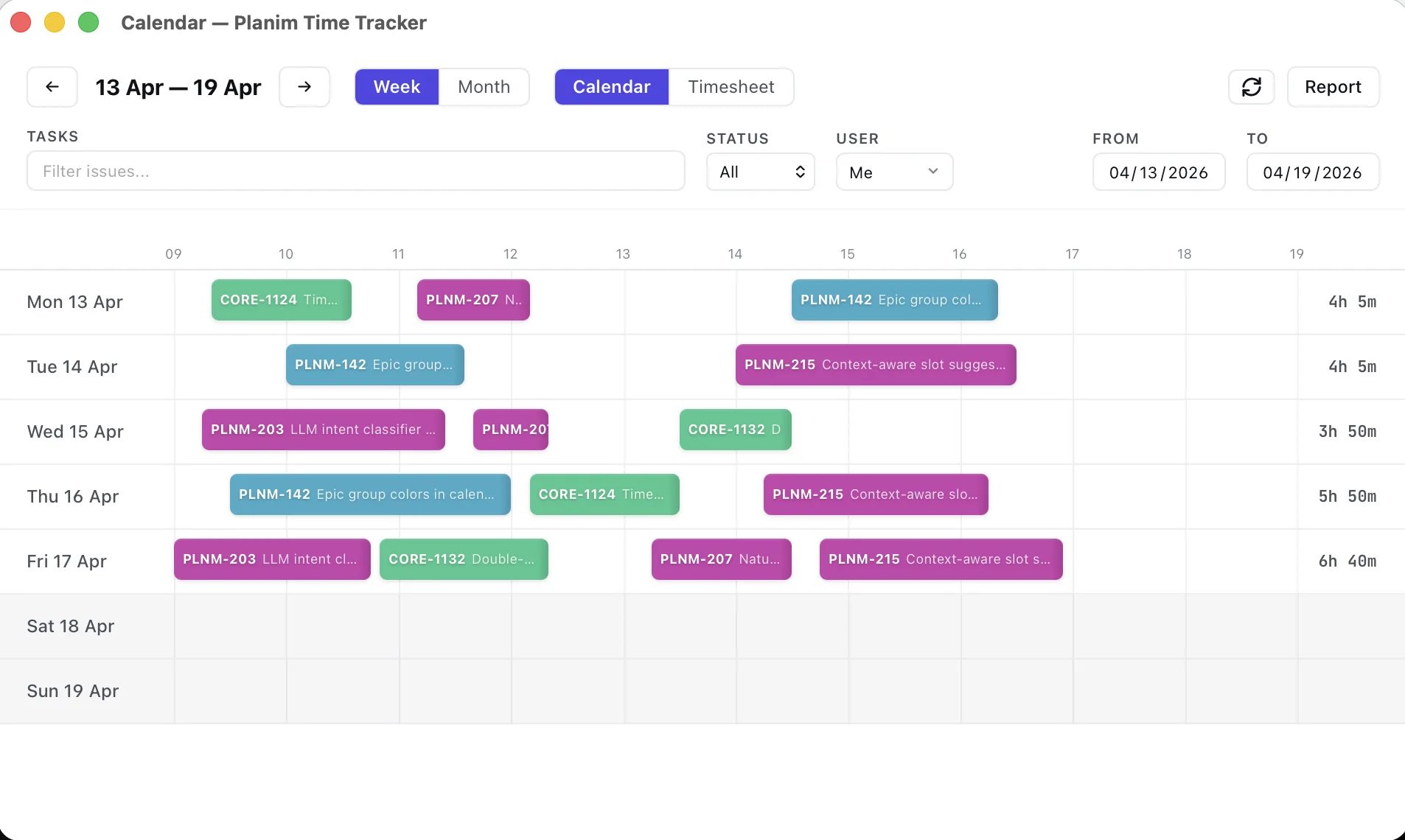
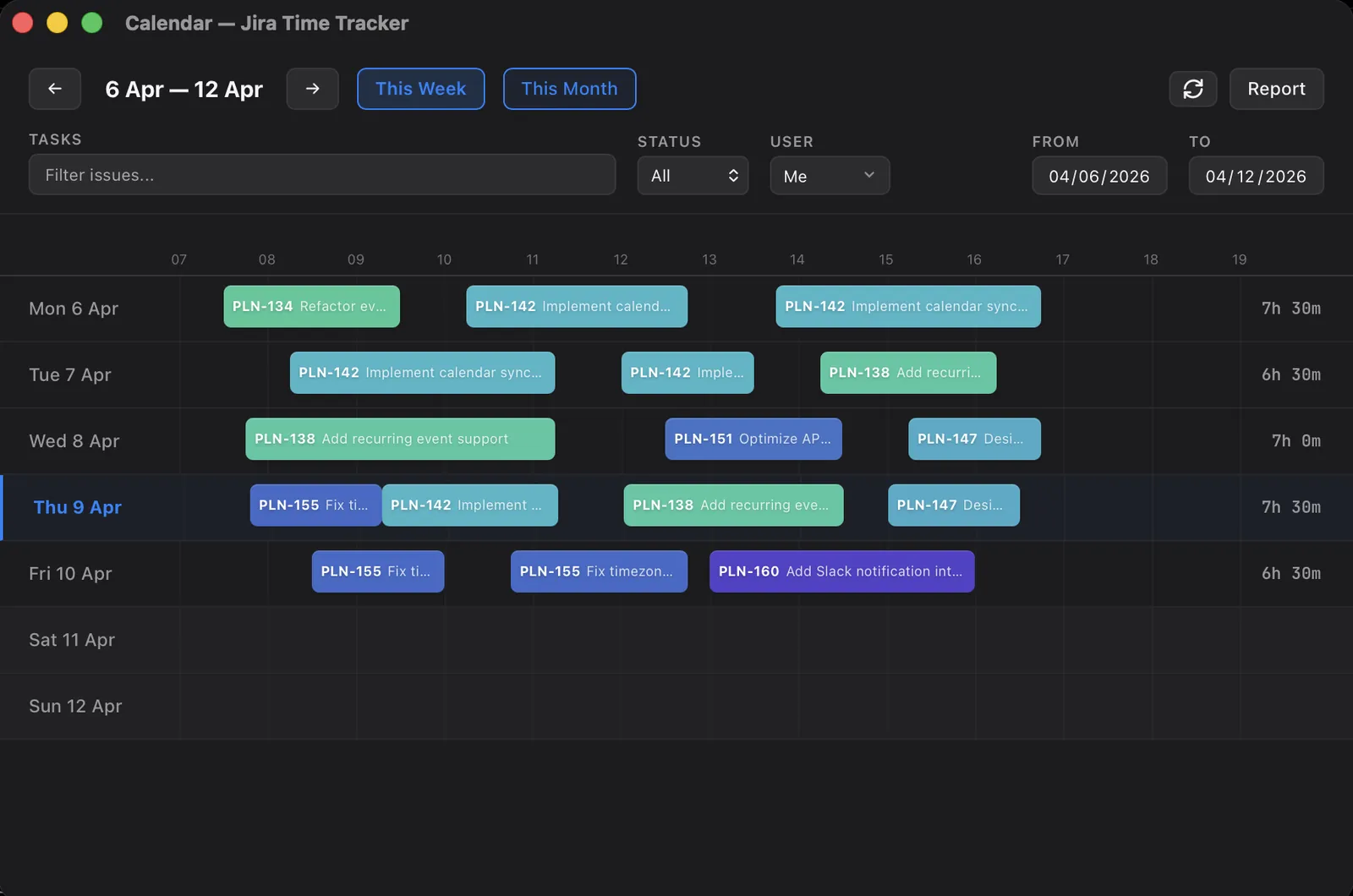
For completeness, the surface a non-monitoring tracker records is short. Planim Time, for example, writes the following to its local SQLite database and to Jira:
- The Jira issue you started the timer on.
- The duration (start, pause, resume, stop segments).
- The description you typed when you stopped.
- The timestamp.
That’s it. No screen capture. No window titles. No URL list. No activity score. No idle tagging beyond a single “you’ve been idle, want to subtract that?” prompt. The worklog that lands on Jira contains exactly what would have landed if you’d typed it into Jira’s native worklog field by hand, plus the convenience of a one-click timer.
Long-lived Jira credentials sit in your OS keychain (macOS Keychain, Windows Credential Manager, Linux Secret Service). Sign in with Atlassian uses a short-lived broker for OAuth exchange and refresh and keeps no long-lived copy. Planim does not upload worklog contents or screenshots. License validation sends the workspace identifier, tracker type, app version, OS family, and, when Jira is connected, the Jira account identifier and display name used for subscription or Team seat handling. The privacy policy is the source of truth for that metadata.
For an engineering team where the question is “did this hour get billed to the right project”, that’s enough. For a team where the question is “did this person work hard enough today”, it isn’t, and no amount of timer UX will make it so.
When you actually do need the monitoring stack
Worth saying out loud, because absolutism on either side is dishonest.
If you’re a manager running a third-party BPO operation, where the contract with your client specifies per-screenshot evidence of work, you need a screenshot tracker. There is no alternative. Buy Hubstaff or Time Doctor and configure it correctly.
If you’re running a regulated workflow (some financial services, some healthcare back-office) where compliance requires auditable session capture, the tracker is part of the compliance stack and the conversation about morale is a different conversation.
If you’re managing salaried engineering employees who you trust enough to give production database access to, you’re not in either of those categories. The tracker question is “what’s the lightest-weight way to get hours on the right Jira ticket”. The answer is not Hubstaff.
We wrote a longer comparison of where Planim Time and Hubstaff differ if you want the head-to-head.
The short version
Screenshot trackers exist because somebody was willing to buy them, not because everybody should. For an engineering team logging time to Jira, picking one creates morale problems, legal problems, and security problems your CFO didn’t budget for, in exchange for a dashboard your line managers will mostly ignore by month three. Pick a tracker that does the job and nothing else, and spend the budget you saved on something more interesting.