Story points vs hours in Jira: can you use both?
Story Points and hours in Jira measure different things. When to use each, where Sprint Burndown clashes, and the pattern that works when teams try both.
On this page
Yes, you can use both story points and hours in Jira. They aren’t the same thing and they aren’t meant to convert into each other. The pattern that works is story points for sprint planning, hours for billing or post-hoc calibration; the pattern that breaks is asking the two numbers to agree.
The confusion is built into Jira. Story Points sits next to the time tracking fields on the same issue, the Sprint Burndown can be set to read either, and onboarding articles freely talk about “estimates” without saying which kind. The decision teams have to make is not “points or hours” but “what is each field for”, and that decision lives in the board’s settings as much as in the team’s habits.
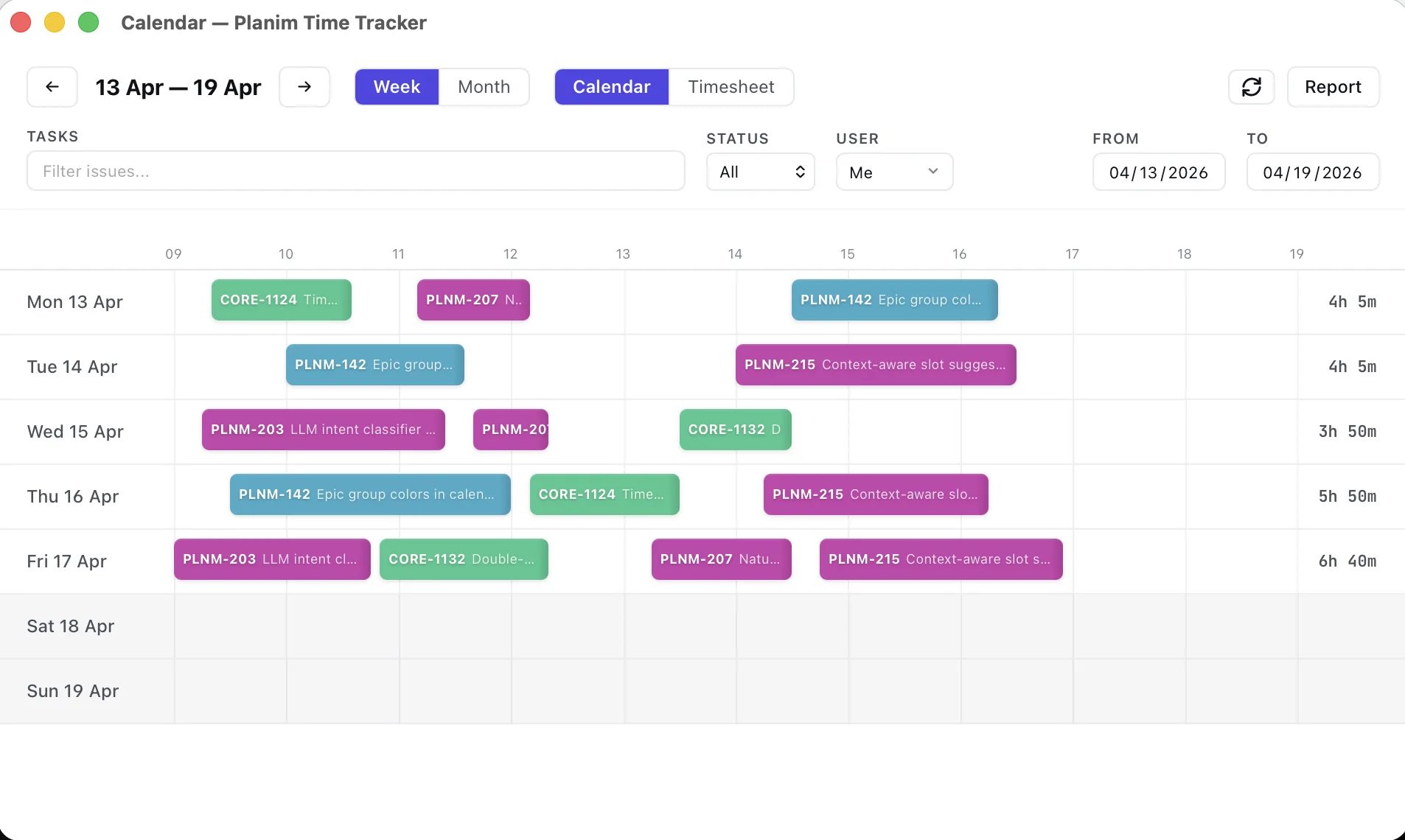
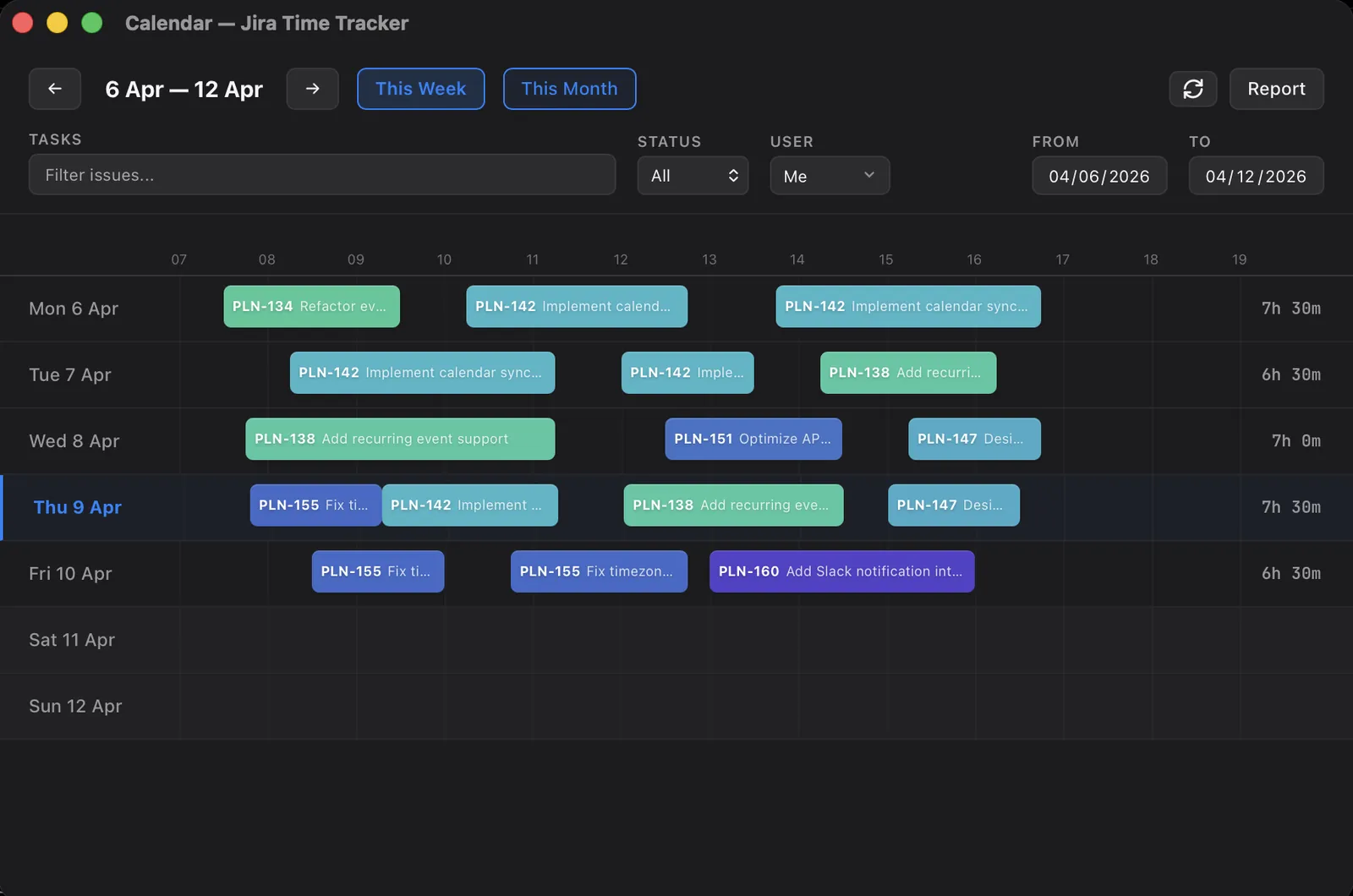
The hours side is my day job: Planim Time is a timer that writes the worklog and leaves Story Points alone. The post below is the layout I’ve watched work and the patterns I’ve watched break.
What each field actually is in Jira
Story Points is a numeric field present by default on Story and Epic issue types in company-managed Scrum projects. It’s a single number with no unit. Atlassian’s docs do not equate a point to an hour or a day; the field is intentionally abstract because the assumption is that the team is sizing tickets against each other (“about the size of the auth refactor”) rather than against the clock. The field name varies a little between Jira Cloud projects: company-managed boards usually call it Story Points, team-managed projects label it Story point estimate. Same field for reporting purposes, different label.
Hours in Jira is shorthand for three fields together: Original Estimate, Remaining Estimate, and Time Spent. They share a duration format (1d defaults to 8 hours, 1w to 40, both configurable in the time tracking settings) and they live under the Time tracking section of the issue, separate from Story Points. The full breakdown of what each of those three actually does, and how they move when you log work, is in Original Estimate vs Time Spent.
These two surfaces are independent. Editing Story Points does not touch Time Spent. Logging an eight-hour worklog against a three-point story does not bump the story to thirteen points, does not flag a variance, does not even surface a warning. The fields coexist because they were never designed to talk to each other.
What each one is for
Story points exist to answer one specific question: how much can we commit to this sprint. The team’s historical velocity (sum of completed story points per sprint) gives a forecast, and the next sprint’s commitment is sized against it. Story points stay useful when whoever assigns them is comparing the new ticket to past tickets rather than mentally converting hours.
Hours answer different questions. How much time has been spent. How much remains. How big was this against the prediction. Billable work needs hours because clients pay in hours, not in points. Capacity calibration (“our five-pointers run about fourteen hours on average”) needs hours because that calibration is the whole point. Compliance reporting needs hours because regulators don’t accept story points.
The problem teams hit is asking story points to answer the second question, or asking hours to answer the first. A five-point story that took thirty hours is interesting data for next refinement, not a sign that the points were wrong. A team that planned forty hours of work and finished it in thirty-five is not over-velocity. It’s just on track.
Where Jira reports read from each
Three places where the choice matters in built-in reports:
| Report | Field it reads | Switchable |
|---|---|---|
| Sprint Burndown | Story Points (default) | Yes, via the board’s Estimation Statistic (Story Points, Original Time Estimate, Issue Count, or a numeric custom field) |
| Velocity Report | Story Points (default) | Yes, same Estimation Statistic as the board’s Burndown |
| Time Tracking Report (built-in) | Hours (Original, Remaining, Spent) | No |
| Workload Pie Chart (dashboard gadget) | Any issue field | Yes, configurable per gadget instance |
The Sprint Burndown is the one teams accidentally misconfigure. The board has two relevant settings: the Estimation Statistic (Story Points by default) and a separate Time Tracking toggle. With the Time Tracking toggle on, the chart’s tracking series reads Remaining Estimate and drops every time anyone logs work. If the team has been planning in points but that toggle is on, standup talks about commitments the chart isn’t measuring. The fix is choosing one model deliberately in board settings, not leaving the toggle where the defaults left it.
The Velocity Report reads the same Estimation Statistic as Burndown, so it isn’t locked to Story Points either. That sounds liberating until you try to switch the statistic mid-stream: the historical baseline becomes apples-to-oranges, because past sprints were measured in points and new ones in hours. Velocity stays informative only when the unit doesn’t change. The broader landscape of what each Jira report actually shows, including its limits, is in Jira time tracking reports.
Two patterns I see working
Story points for planning, hours for billing. The common one. Refinement assigns points. Sprint planning commits to points. During the sprint the team logs hours because the contract or the agency needs them downstream, but nobody talks about hours in standup. Reports for the team use Story Points (burndown, velocity). Reports for finance use Time Spent (Time Tracking report, exported worklog rows). The two surfaces don’t compete because they’re aimed at different audiences.
This is the pattern Planim Time is built around. Start and Stop on the issue, then Push writes a worklog into Time Spent with the real start time and the measured duration, so the timesheet side is honest; the Story Points field is never read or written, because it belongs to refinement, not to a timer.
Story points for commitment, hours for calibration. Less common, more disciplined. The team commits in points, then a quarter later they look at the Story Points field against the sum of worklog hours across closed tickets and see the actual distribution. If five-pointers cluster between twelve and sixteen hours, that becomes shared knowledge during the next refinement. The hours never enter the sprint plan; they just calibrate the points.
This works only when hours are logged honestly. The moment hours are estimated post-hoc to match the points, the calibration loop closes against itself and tells you nothing. One caveat on tooling: Estimate vs Actual in Planim Time’s Team Statistics (Include estimates, Pro) compares the period’s logged hours with Original Estimate, not with Story Points. It feeds this loop only if the team also writes an hour estimate; a points-only team does the points-to-hours join in a spreadsheet. The wider question of why those actuals run over the estimate in the first place, and how to fold the gap back into future planning, is the subject of why your Jira estimates are always wrong.
What I see failing
Maintaining a story-point-to-hours conversion table. “One point equals four hours” defeats the purpose of relative estimation. Whoever runs the conversion ends up doing the estimation in hours and translating to points for the ceremony, which is hours with extra steps.
Story points on stories, hours on bugs. The team has half a velocity report and half a burndown that work. The other half are missing. Reports get muddier rather than clearer. Pick one estimation field per issue type at minimum, and prefer the same field across types if you can.
Asking individual contributors to keep both numbers honest in the same sprint. Story points and worklog updates compete for the same attention, and worklog usually loses because it’s per-day and points are per-ticket. The team ends up with stale hours and accurate points, then concludes hours don’t work in Jira. Hours do work, but they need a tracker rather than dialog discipline. The worklog dialog is fine for the occasional correction. It’s not the right place to log every interruption.
Using the Sprint Burndown for billing. The burndown is a sprint-progress chart. Even on Remaining Estimate it isn’t a billable-hours summary, because it shows remaining work, not logged work. The Time Tracking Report and the worklog export are where billing numbers actually live.
A short configuration that lets both fields coexist
If you want both Story Points and hours without them fighting:
- Put the Time tracking field on the issue types that need hours. Time tracking itself is always on in Jira Cloud, but team-managed projects don’t include the field on work types by default (add it under Project settings, Work types); company-managed projects ship it on the default screen.
- Decide which field is the source of truth for sprint progress. For most teams that’s Story Points; pin it in the board’s Estimation settings so Sprint Burndown and the team’s working memory agree.
- Make Story Points required on Story and Task issue types at the refinement stage. Otherwise it stays blank on a few tickets each sprint and the velocity report quietly under-counts.
- Don’t require Original Estimate. Original is most useful when someone meant to write it, not when Jira forced a number into the field.
- Treat worklog as a separate discipline. A timer logs hours during the day (Jira has none of its own; the options are in Jira timer). The worklog dialog stays as the place for corrections, not the place where the daily hours are entered.
Both fields then coexist. Points for the team’s planning conversation. Hours for everyone downstream. The fields aren’t trying to mean the same thing, so they aren’t allowed to disagree.